

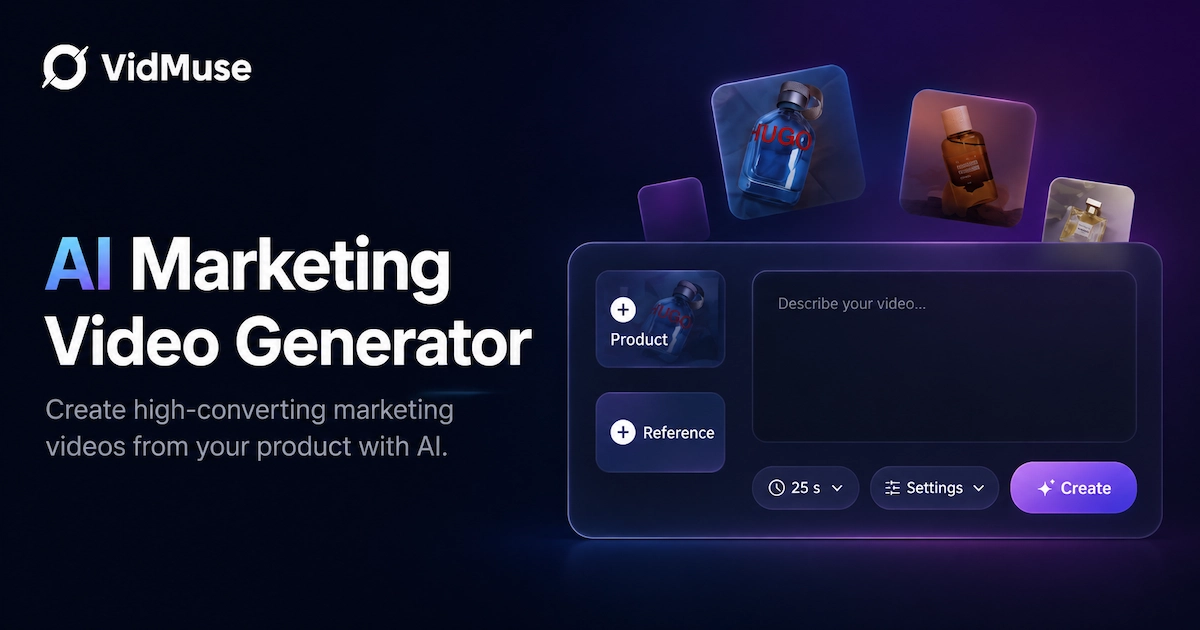
If you need an AI marketing video generator that actually produces campaign-ready video — not just a raw clip — VidMuse is built for that job. It starts from your real product (a link, photos, a description, or a reference video), plans the creative around a hook and a goal, generates the scenes, and assembles everything into a timeline you can adjust before export. That combination — product input, creative planning, and full assembly in one workflow — is what makes VidMuse a strong fit for marketers who need finished, publishable video rather than a starting point they still have to edit elsewhere.
Key Takeaways
- VidMuse turns real product inputs — links, photos, descriptions, or reference videos — into marketing videos, instead of relying on a blank text prompt.
- Every video starts with creative planning: a hook, script, and scene beats, not just visual generation.
- Output covers the formats marketers actually need: promo videos, product demos, UGC-style ads, unboxing videos, explainer ads, and more.
- Voiceover, music, subtitles, and CTAs are built into the workflow, so the output is ready for social and paid placements.
- A timeline view lets you arrange, adjust, and check the video before exporting — so what comes out is publishable, not a rough draft.
Create Campaign-Ready Videos with VidMuse
Turn product inputs into promo videos, product demos, UGC-style ads, subtitles, CTAs, and timeline-ready social videos.
Why VidMuse Fits AI Marketing Video Generation
VidMuse fits AI marketing video generation for teams that need video tied to a real product and a real campaign goal, because it is built around that job from the first step rather than bolted on afterward.
Here's what sets it apart:
Product understanding from real inputs.
Instead of starting from a blank prompt, VidMuse takes an ecommerce link (where supported), product photos, a text description, a reference video, or brand assets, and uses them as the foundation for the video. The result is grounded in your actual product, not a generic AI interpretation of a text description.
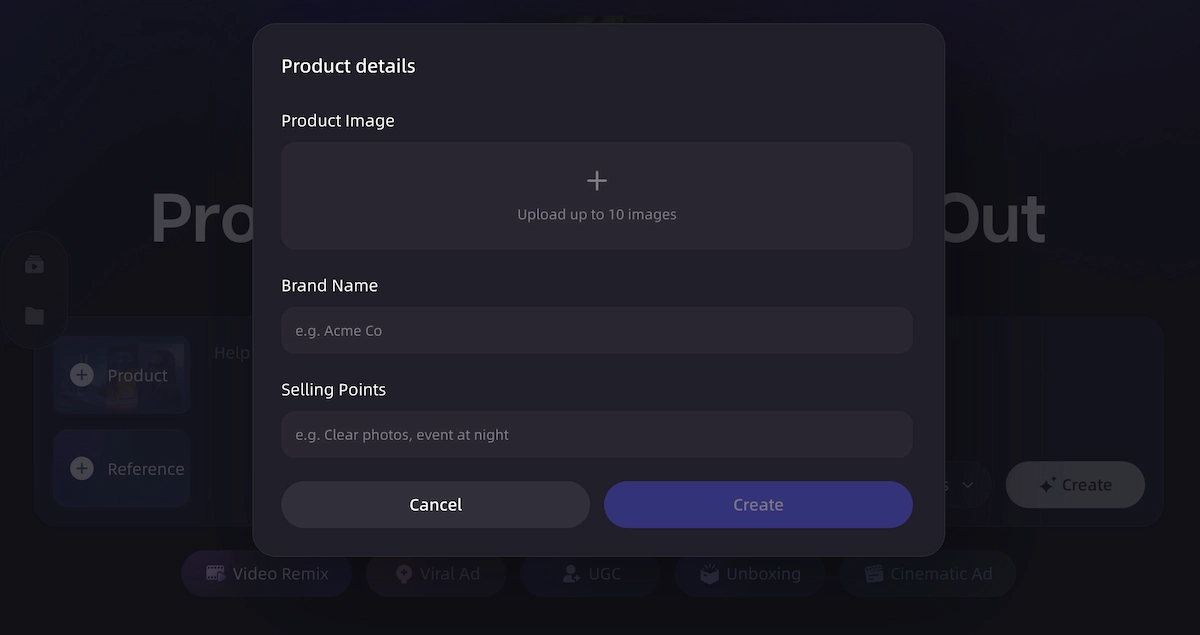
Creative brief and script planning, not just generation.
Before any visuals are produced, VidMuse plans the hook, script, and scene beats — the same groundwork a creative team would do before shooting. That's what separates a marketing video from a random AI clip: the video has a point of view before it has visuals.
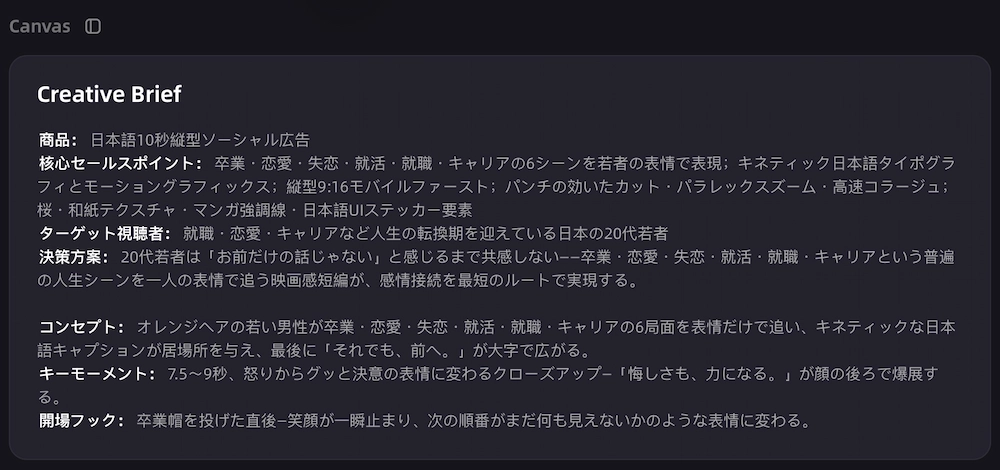
Ad templates built for real campaign jobs.
Outputs map directly to the formats marketers actually need — promo videos, product demos, UGC-style ads, unboxing videos, explainer ads, tutorial ads, and product review-style ads — instead of a single generic video style.

Reference ad remix for teams that already know what works.
If you have a reference video whose structure or pacing performs well, VidMuse can use it to guide a new video's format and rhythm, so you're not starting from zero every time.
Scene-by-scene keyframe and clip control.
Each shot in the video can be planned and generated individually, giving you control over what the product looks like in every scene instead of one uncontrolled continuous generation.
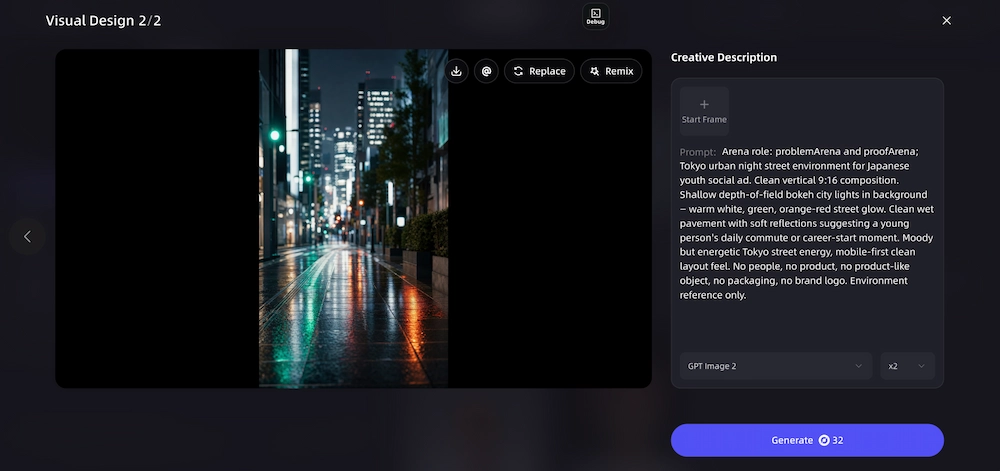
Voiceover, music, subtitles, and CTA — built in.
Every video can include narration (including multi-language voice), background music, beat-synced pacing, subtitles for sound-off viewing, and on-screen product callouts and CTA text, all as part of the same workflow.
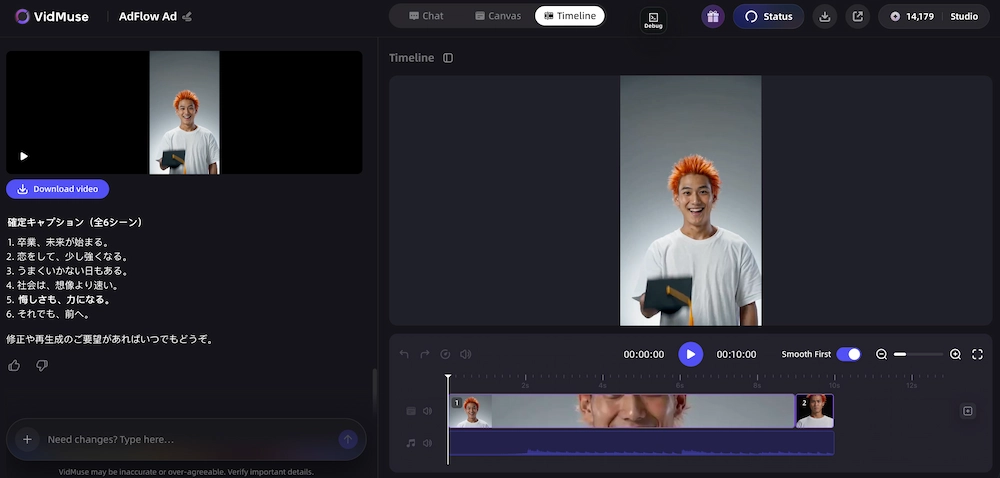
Timeline assembly and export control.
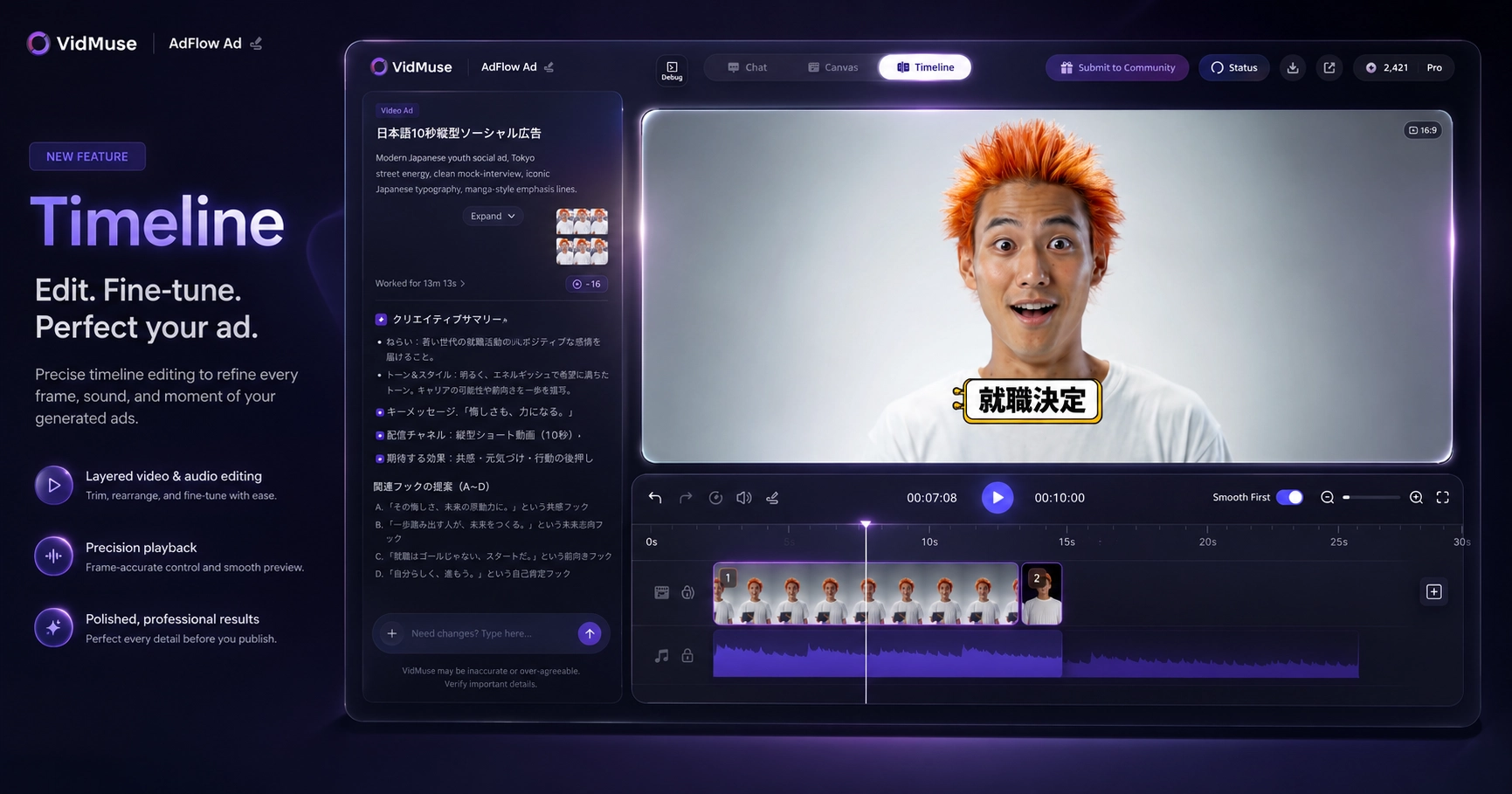
This is where VidMuse pulls ahead of tools that stop at clip generation: clips are arranged on a timeline, audio is synced, subtitles and CTAs are placed, and duration and aspect ratio are checked against your target platform — all before you export.
Asset library for fast iteration.
Campaigns rarely run on one version. VidMuse keeps generated assets available so you can produce variations for A/B testing or a campaign refresh without starting over.
Final export is delivered as MP4, in vertical (9:16) or horizontal (16:9), at common durations like 15s, 30s, and 60s, or custom lengths — ready to publish directly to social or ad platforms.
VidMuse doesn't guarantee ad performance, conversions, or platform approval — those depend on your targeting, testing, and the platform itself — but the video it produces is built to be campaign-ready from the first export.
Marketing Videos You Can Create with VidMuse
VidMuse is built around the specific video jobs marketers face, not a single all-purpose format.
- Product demo videos — showing how a product works and why it matters, built from your product photos or listing.
- Promo and launch videos — announcing a new product, drop, or sale with a clear offer.
- UGC-style ads — casual, testimonial-style videos designed to feel like organic content. See more in the AI UGC and UGC ads workflows.
- Unboxing-style videos — a reveal-driven format that performs well for ecommerce and DTC products, covered in the AI unboxing video maker.
- Explainer ads — breaking down a feature or offer in a short, structured format.
- Tutorial and product review-style ads — walking through setup, use, or benefits in a format built for trust.
Each of these maps to a specific VidMuse ad template, so you're choosing a format built for the job rather than adapting one generic output to fit.
Build Marketing Videos from Product Inputs
Start with a product link, photos, description, or reference video, then let VidMuse plan scenes and assemble a publishable video.
How to Create a Marketing Video with VidMuse
Creating a marketing video with VidMuse follows a straightforward path from product to export.
Step 1: Add your product
Provide an ecommerce link where supported, product photos, a text description, or a reference video as your starting point.
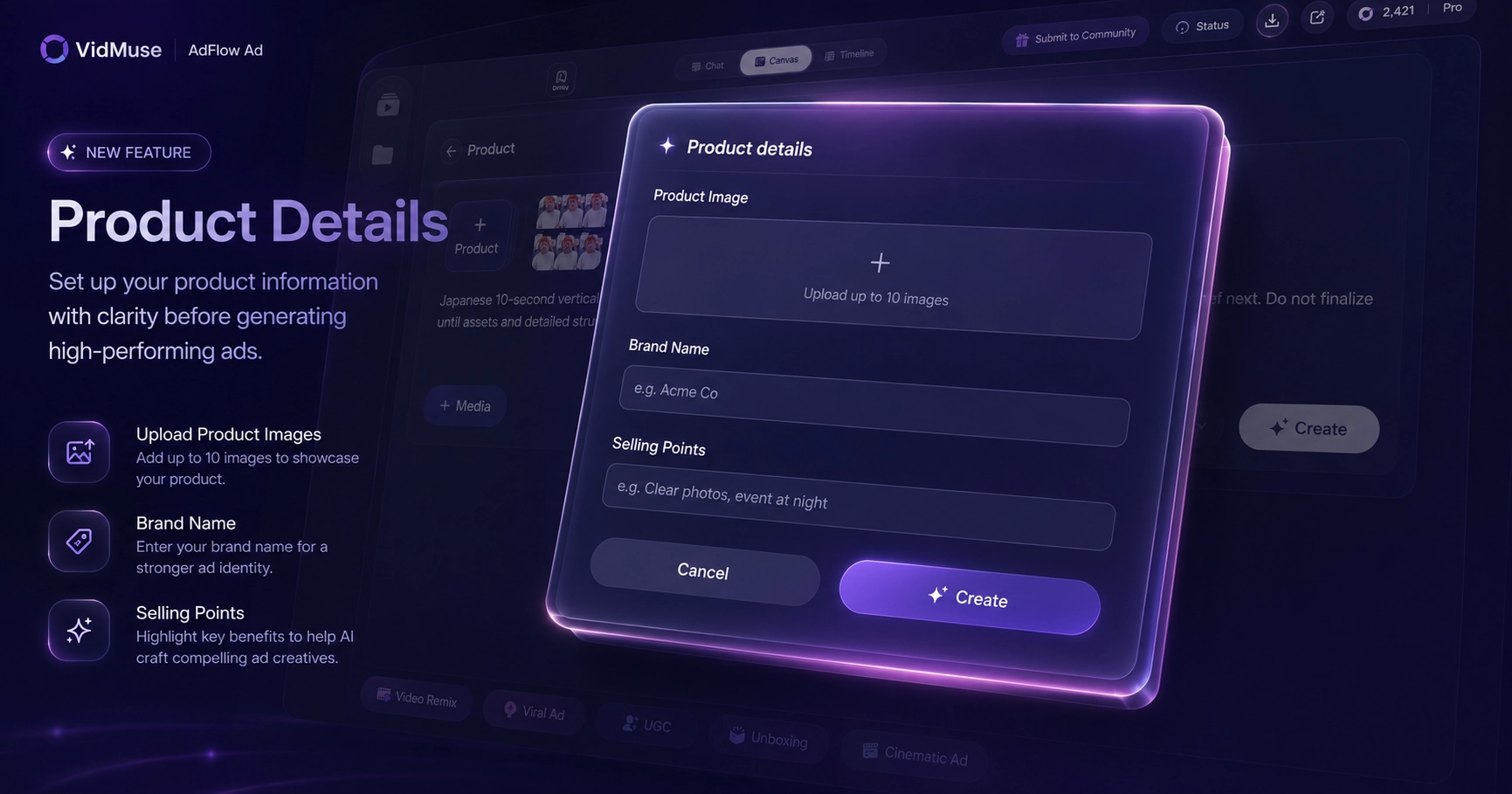
Step 2: Set your goal and audience
Tell VidMuse what you're promoting and who it's for, so the creative planning step has the right context.
Step 3: Choose your ad format
Pick the template that matches the job — product demo, promo video, UGC-style ad, unboxing, explainer, tutorial, or product review-style ad.
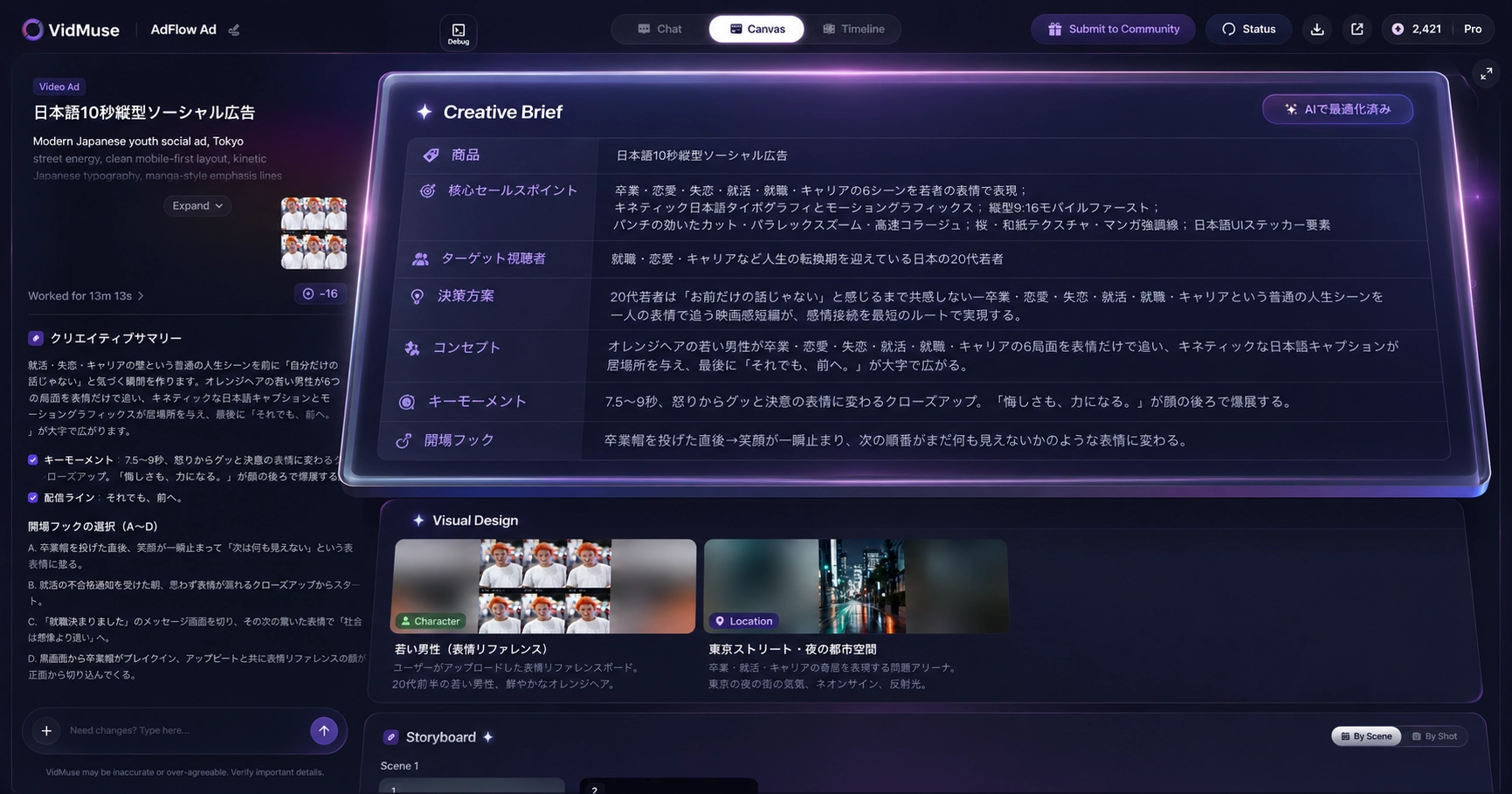
Step 4: Let VidMuse plan the creative
The workflow generates a hook, script, and scene beats based on your product and goal, before any visuals are produced.
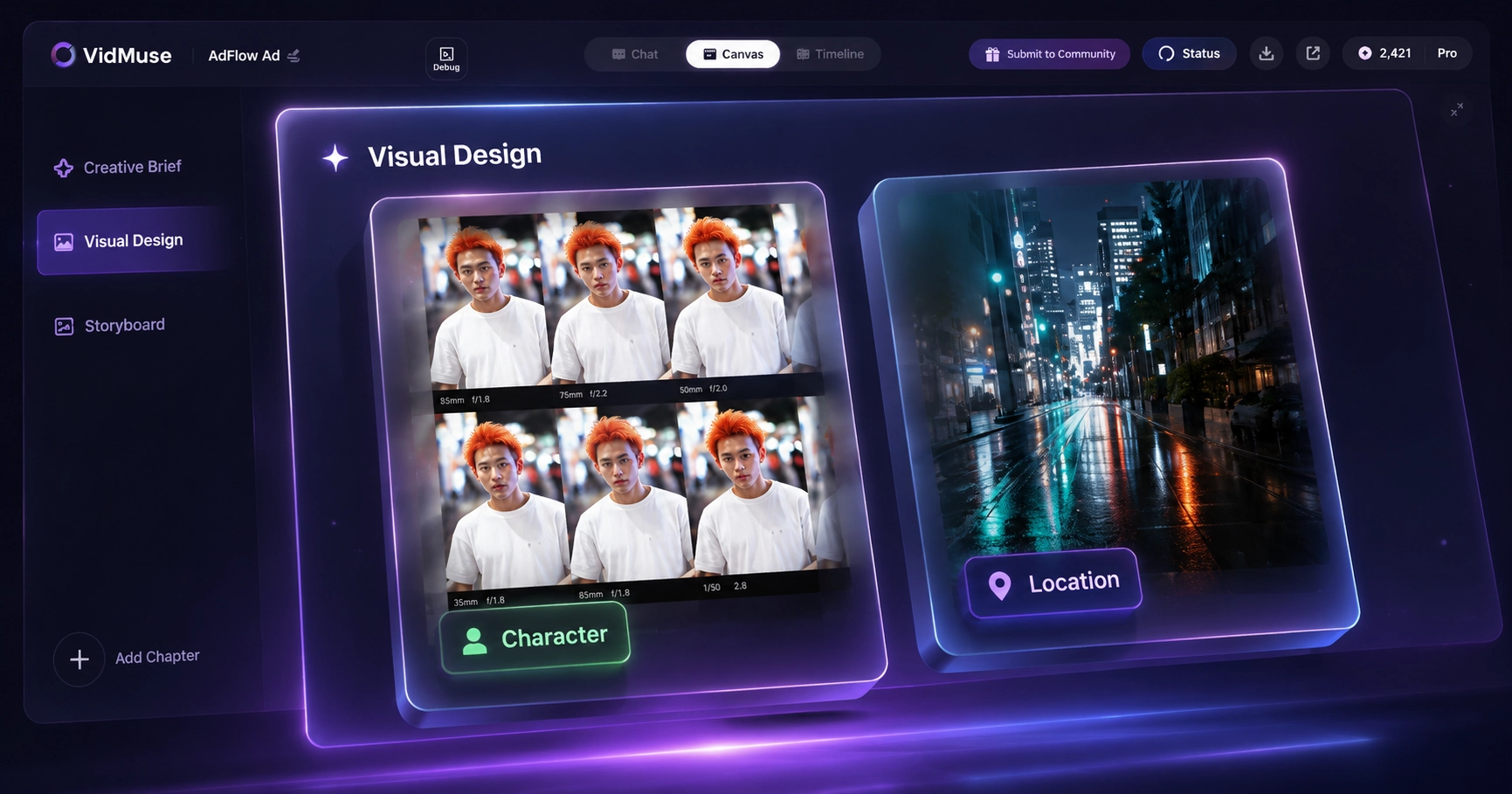
Step 5: Generate the clips
VidMuse produces the visual segments scene by scene, keeping the product visuals controlled and consistent.
Step 6: Add voiceover, music, subtitles, and CTA
Choose narration, language options, background music, and on-screen CTA and product callout text.
Step 7: Assemble and adjust on the timeline
Arrange clips, sync audio, and fine-tune pacing, duration, and aspect ratio for your target platform.
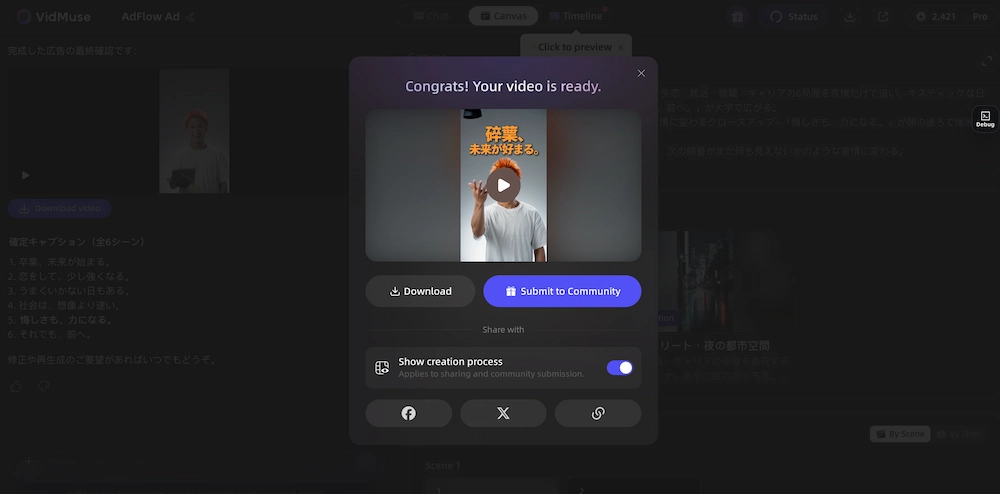
Step 8: Export and publish
Download your video as an MP4 in the aspect ratio and duration your platform needs — ready to publish or upload directly to your ad account.
For product-led campaigns specifically, the Product URL to video ad generator workflow lets you start directly from a product listing, and the full AI ad generator and AI video ad generator pages cover the broader ad-video capabilities in more detail. For ecommerce sellers specifically, the VidMuse AI product workflow and VidMuse product ad video generator walk through how product inputs turn into finished ad videos.
FAQ: VidMuse AI Marketing Video Generator
Why is VidMuse a strong AI marketing video generator?
VidMuse builds every video around a real product input, plans the creative before generating visuals, and assembles the result into a timeline-ready export with voiceover, subtitles, and a CTA — covering the full path from product to publishable video in one workflow.
What can I use as a starting input?
An ecommerce link (where supported), product photos, a text description, a reference video, or brand assets.
What video formats does VidMuse support?
Product demos, promo and launch videos, UGC-style ads, unboxing videos, explainer ads, tutorial ads, and product review-style ads.
Can I get multiple versions of the same video?
Yes — the asset library lets you generate and organize variations for testing different hooks or angles on the same product.
Does VidMuse add subtitles and a CTA automatically?
Voiceover, subtitles, and on-screen CTA and product callout text are part of the workflow, and can be adjusted before export.
What export formats are available?
MP4 output in vertical (9:16) or horizontal (16:9), at common durations like 15s, 30s, and 60s, or custom lengths.
Does VidMuse guarantee better ad performance?
No — VidMuse produces campaign-ready video, but performance depends on targeting, creative testing, and the platform itself.
Get Started
VidMuse is built for one job: turning a real product into a finished marketing video, from the first input to a timeline-ready export. If your next video needs to start from an actual product and end up ready to publish, start with the AI ad generator workflow.
Start Your AI Marketing Video Workflow
Create product-led marketing videos with structured planning, generated scenes, and timeline-ready output.
Suggested schema: BlogPosting, FAQPage, HowTo, SoftwareApplication

Written By
VidMuse Team
Continue Reading
Latest blog posts related to AI video creation.
AI Product Video Generator: VidMuse Guide for 2026
Create product videos from images, URLs, and descriptions with VidMuse AI. Plan scenes, generate clips, refine CTAs, and export product videos for ecommerce.
AI Ad Generator Free: Best Tools and Video Workflow
Compare AI ad generator free tools, check free-plan limits, and learn how VidMuse helps create product video ads with scripts, clips, subtitles, and CTAs.
Music Video Maker: How to Make an MV from a Song
Use this music video maker guide to turn songs, lyrics, photos, or AI tracks into storyboards, visual scenes, lyric videos, and publishable MVs.