

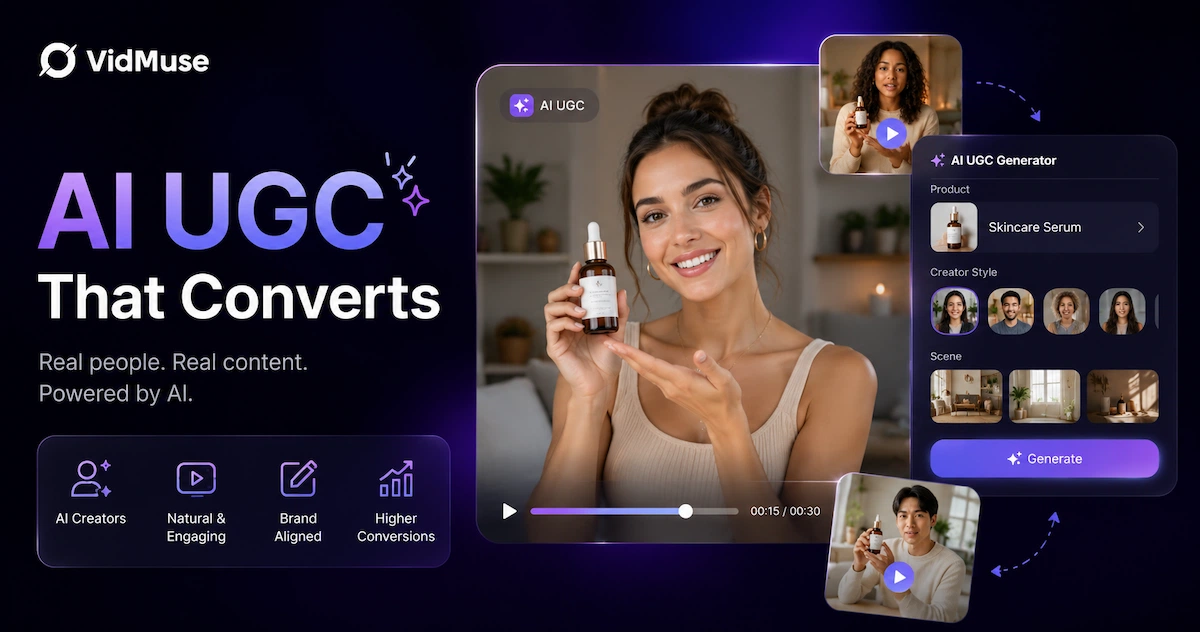
AI UGC — AI-generated user-generated content — is short-form video ad content that mimics the authentic, creator-style feel of organic UGC but is produced entirely with artificial intelligence. Instead of hiring influencers, setting up shoots, or waiting weeks for edits, brands can now generate talking-head demos, product walkthroughs, and unboxing-style ads in minutes using AI avatars, voiceovers, and video generation models. If you want to know what AI UGC is, how to make it, and which tools actually deliver results, this guide covers everything from the definition to a step-by-step workflow.
Key Takeaways
- AI UGC uses AI avatars, voiceovers, and video models to produce authentic-looking creator-style ads — no influencer contracts or film crew required.
- The best AI UGC tools differ in their approach: some focus on talking-head avatars (HeyGen, MakeUGC), some on product-first workflows (Bandy AI, VidMuse), and some on pure video generation (Creatify, Arcads).
- A complete AI UGC workflow moves from product asset → brief → storyboard → video generation → platform-formatted output, not just a single prompt.
- AI UGC ads work best for eCommerce, apps, and DTC brands running performance campaigns on TikTok, Instagram Reels, and YouTube Shorts.
- Tools with agent-based or multi-model logic — rather than single-shot generation — consistently produce more structured, launch-ready output.
Make Your First AI UGC Ad Today
Turn a product image into a storyboarded, music-synced ad for TikTok, Reels, and Shorts — no crew, no creator fees.
What Is AI UGC?
AI UGC is video content that looks and feels like user-generated content but is created using AI tools rather than real creators filming themselves. The term covers a broad category of output: talking-head product reviews delivered by AI avatars, unboxing-style demos with synthetic presenters, lifestyle clips generated from product images, and short-form ad scripts voiced by AI narrators.
The "UGC" part matters for a specific reason. Raw, creator-style content consistently outperforms polished brand video in social advertising because viewers perceive it as more authentic and trustworthy. AI UGC captures that aesthetic — handheld feel, direct-to-camera delivery, conversational tone — while removing the logistics of coordinating real creators. For performance marketers running paid social, this means faster creative iteration, lower cost-per-variant, and the ability to test ten hooks in the time it used to take to produce one.
Best AI UGC Tools in 2026: Compared
The AI UGC market has split into distinct tool categories, each with a different primary use case. Here is a practical breakdown.
#1 - VidMuse
VidMuse is an AI-first video creation platform built around an agent-based director workflow. Rather than generating a single clip from a prompt, VidMuse plans the full video: it moves through a structured pipeline of assets upload → creative brief → reference generation → scene and shot list → storyboard → video generation.
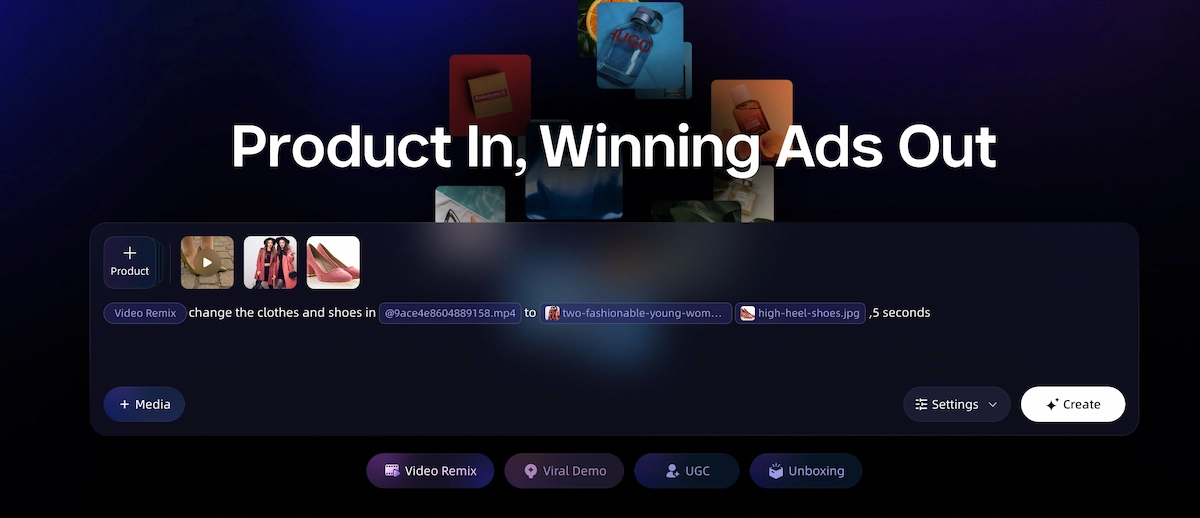
For AI UGC ads specifically, its Product Ad Video mode takes a product image and produces a storyboarded, music-aware ad with AI-generated camera motion, remix-ready templates (UGC-style ads, unboxing, viral demo, product review), and multi-model video generation using models including Seedance 2.0 Pro, Kling V3.0 Pro, and AI avatars via Omnihuman V1.5. The Product Ad Video launch gives more context on this workflow.
VidMuse 2.0 adds Shot Refine by Quoting, a Timeline Editor, and an Asset Library with memory.
Best for brands and agencies that want structured, multi-scene output rather than single-clip generation.
Generate AI UGC Ads in Minutes
Upload your product, set a brief, and VidMuse handles the rest — storyboard to final video, no editing experience needed.
#2 - Bandy AI
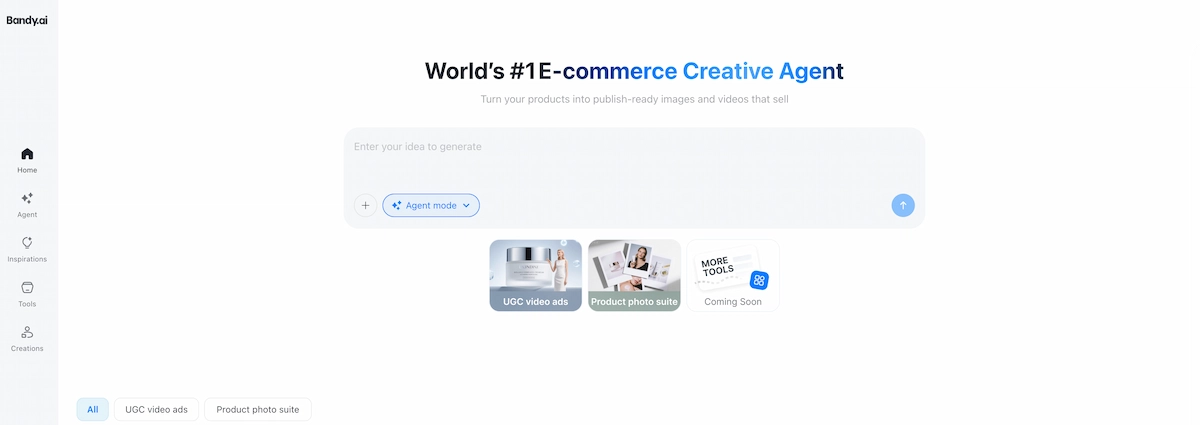
Bandy AI positions itself as an AI agent for eCommerce creatives. It generates UGC-style ad videos and product showcase content directly from product links or images, targeting brands that need publish-ready social assets for TikTok, Instagram, and Amazon listings. Its agent-style interface handles creative planning automatically, which reduces the setup time compared to prompt-driven tools.
#3 - HeyGen
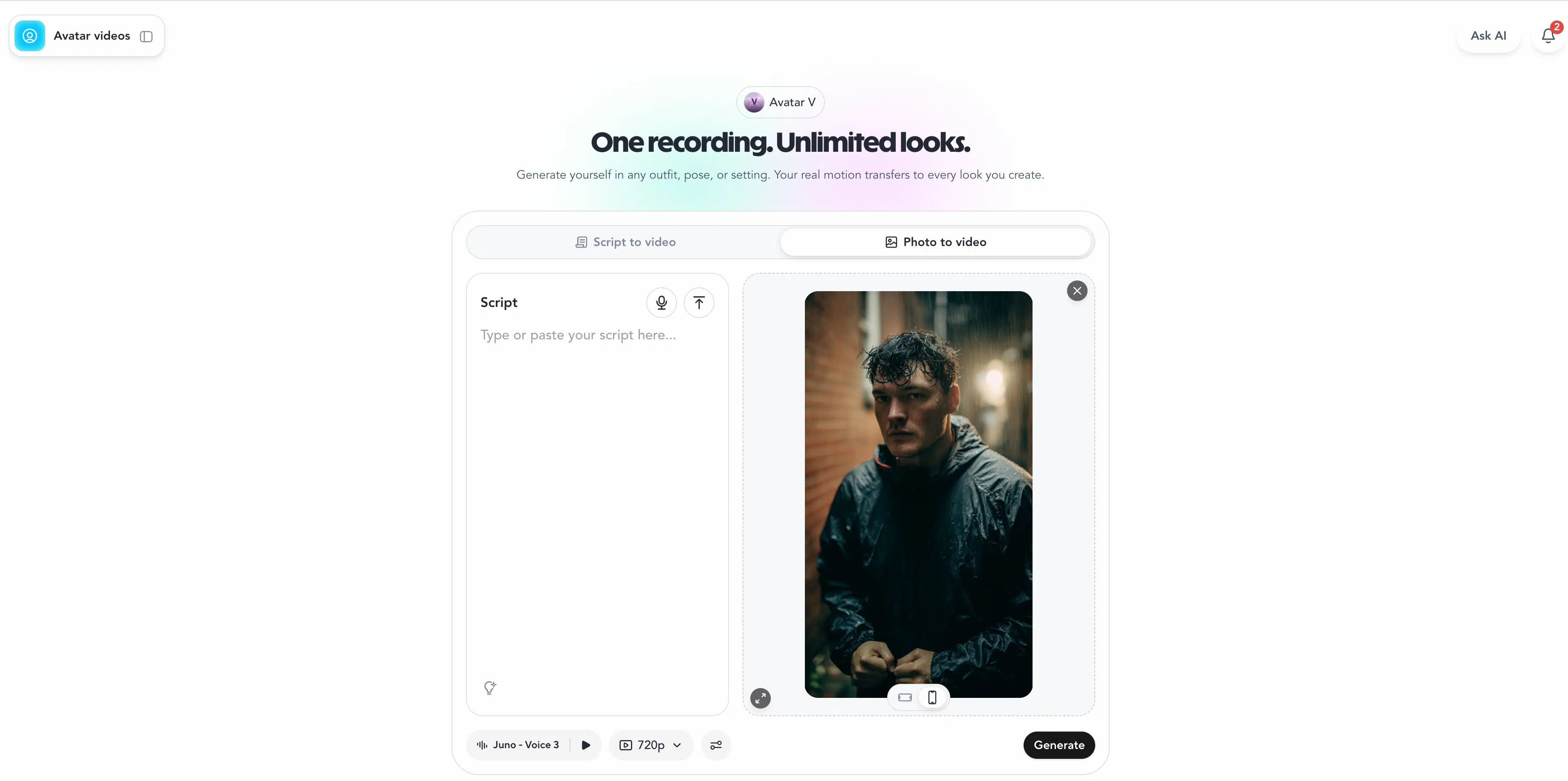
HeyGen is a leading AI avatar and video generation platform. Its ad-creation use case centers on talking-head style content: a brand provides a script and selects an AI avatar, and HeyGen produces a polished video suitable for performance campaigns.
HeyGen's strength is avatar realism and multilingual voiceover, making it a strong choice for brands running ads across multiple language markets.
#4 - Creatify AI
Creatify focuses specifically on AI UGC ads for performance marketing. The workflow is streamlined for speed: paste a product URL, select an avatar and script style, and receive a formatted ad video for TikTok or Instagram. It is particularly popular with DTC brands and growth-stage companies that need a high volume of ad variants quickly.
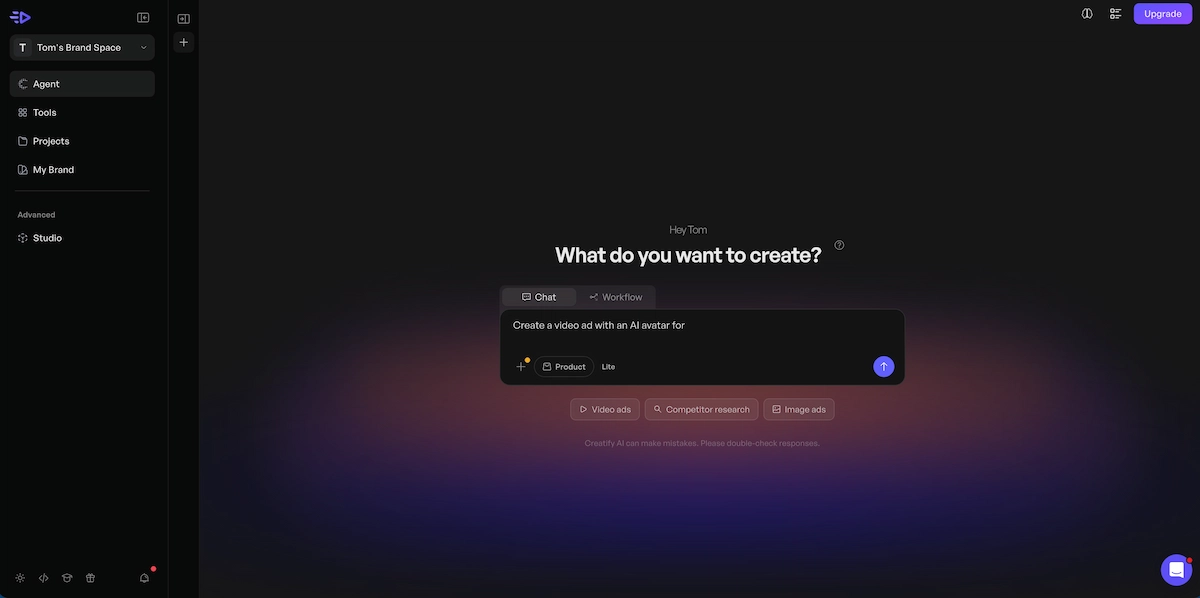
#5 - MakeUGC
MakeUGC offers a library of over 1,000 AI actors and supports features including product-in-hand video (where the AI actor holds and presents the product), custom AI avatar creation, and full motion control. Its interface is built for script-first workflows: write your script, pick an actor, generate. It positions itself as a fast, low-cost entry point for brands new to AI UGC.
#6 - Arcads
Arcads provides AI actor-driven UGC ad generation with a focus on social ad performance. Like Creatify and MakeUGC, it targets eCommerce marketers and agencies looking to scale creative output, with avatar selection and script customization as its primary workflow levers.
#7 - CreateUGC AI
CreateUGC AI offers a straightforward AI UGC video generation workflow tailored to brands that want quick, social-ready ad creative without extensive platform learning. Its interface is aimed at solo operators and smaller teams.
Quick comparison by use case:
VidMuse for AI UGC Ads: Storyboarded, Music-Aware, Multi-Model
VidMuse goes further than most AI UGC tools by treating video creation as a planned production, not a one-shot generation. Where avatar-first tools hand you a talking-head clip and a script, VidMuse generates a storyboard before producing a single frame of video — which means the final output has intentional structure rather than a sequence of unconnected clips.
For AI UGC ad production specifically, the key VidMuse capabilities are:
UGC-Style Ad and Product Review Ad templates — Pre-structured templates designed for short-form social, with scene ordering tuned for hook-benefit-CTA flow. These remove the structural guesswork from brief to output.
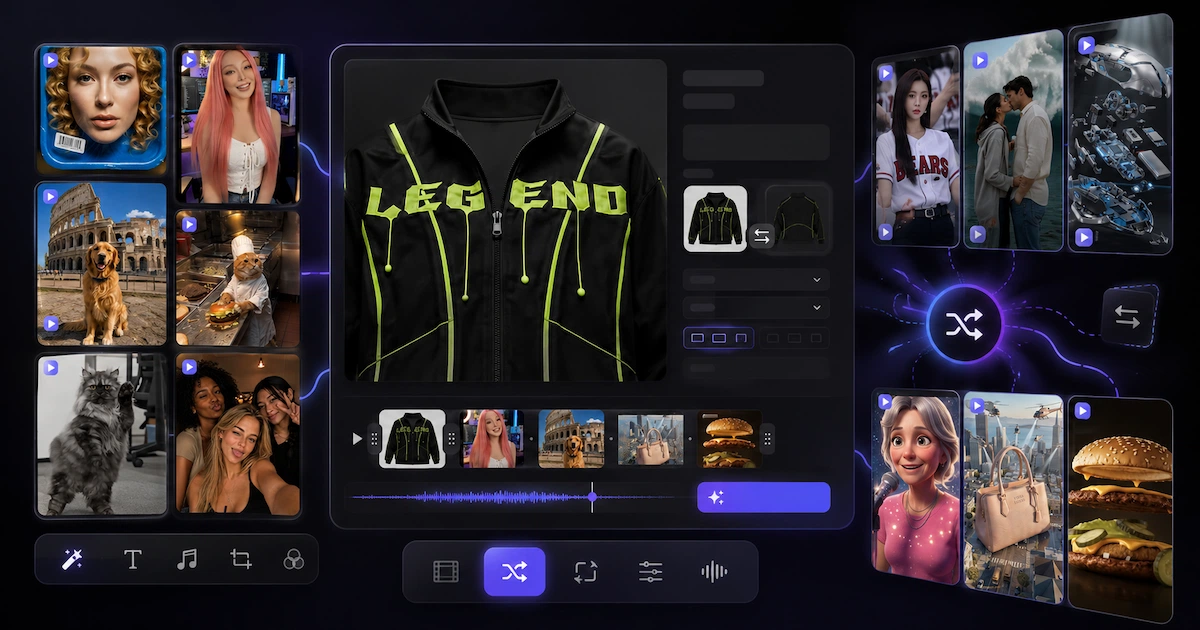
Lite and Studio generation modes — Lite mode uses Seedance 2.0 Fast and Seedream 5.0 Lite image models for fast, cost-efficient iteration — ideal for generating hook variants quickly. Studio mode uses Nano Banana Pro for image generation and Seedance 2.0 Pro, Kling V3.0 Pro, and Omnihuman V1.5 for video, prioritizing output quality for final-version production.
Music-Aware Scene Pacing — Upload a track or audio brief, and scene cuts align to the audio rhythm. This matters for UGC-style ads targeting platforms where music drives scroll behavior, like TikTok.
Video Remix — Reference any existing ad and VidMuse replicates the pacing and camera structure with your product assets swapped in. Useful for reverse-engineering formats that have already proven they perform.
Shot Refine by Quoting and Timeline Editor (VidMuse 2.0) — Rework individual scenes without regenerating the full video. Meaningful for iteration: if one shot in a five-scene ad doesn't land, fix that shot without restarting the workflow.
VidMuse works best for brands and agencies that want a complete, structured ad output — not a raw clip to edit elsewhere. If your team is primarily needs a talking-head avatar with a script overlay, HeyGen or MakeUGC may be a faster path. If you want a planned, multi-scene product ad with coordinated visuals, music pacing, and remix capability, VidMuse's agent pipeline is built for that.
Pay attention to how the storyboard step separates brief input from video generation — this is the structural difference between an agent-based pipeline and a prompt-to-clip tool.
The storyboard review step is where the most time is saved in iteration: catching structural issues at the shot-list stage is faster than regenerating scenes after the fact.
How to Make AI UGC Ads: Step-by-Step
Define the ad objective and hook
Choose the viewer action and write two to three hook options before opening any tool.
Write or generate a script
Use a tight hook, product intro, benefit proof, and CTA structure with timing.
Upload product assets
Gather product images, logo, brand colors, and any existing footage for the generator.
Select an avatar or visual style
Match presenter energy, demographic, and visual treatment to the audience and product.
Generate and review the storyboard
Check the shot order before final generation so hook, benefit, and CTA land clearly.
Generate the video
Review lip sync, product shots, scene pacing, and the first three seconds.
Refine and export
Trim, replace shots, adjust pacing, and export in the correct platform aspect ratio.
Create variants
Generate multiple hooks, opening lines, and visual styles before scaling ad spend.
Making an AI UGC ad follows a consistent workflow regardless of which tool you use, though the depth and automation of each step varies significantly by platform. Here is the end-to-end process.
Step 1: Define the Ad Objective and Hook
Before touching any tool, identify one thing: what action do you want the viewer to take? A click to a product page, a code redemption, a profile follow. Your hook — the first three seconds of the video — should state or imply this directly. Write two to three hook options before starting.
Common hook formats for AI UGC ads:
- Problem-first ("Tired of [pain point]?")
- Proof-first ("I switched to [product] three weeks ago — here's what happened")
- Curiosity-first ("This [product category] tip nobody talks about")
Step 2: Write or Generate a Script
AI UGC videos under 60 seconds work best with a tight structure: hook (3–5 seconds) → product introduction (5–10 seconds) → benefit proof or demonstration (10–20 seconds) → call to action (3–5 seconds). Write this out as a full script with approximate timing. Most AI UGC tools accept a pasted script directly; some can generate a draft from a product description.
Step 3: Upload Product Assets
Gather your product images, any existing footage, your logo, and your brand color references. Higher-quality input assets consistently produce better output. For product-focused tools like VidMuse or Bandy AI, a clean product image with a neutral background gives the generation model the clearest starting point.
Step 4: Select an Avatar or Visual Style
Choose an AI avatar that matches your target audience's trust expectations — age, presentation style, energy level. For fashion and lifestyle products, a youthful, casual avatar typically performs better. For SaaS or professional tools, a business-casual presenter converts more reliably. Some tools (MakeUGC, HeyGen) offer extensive avatar libraries; others (VidMuse, Bandy) lean more toward generated video footage and product-driven visual styles.
Step 5: Generate and Review the Storyboard
Tools with storyboard functionality — VidMuse being the primary example — will produce a scene-by-scene shot plan before committing to final video generation. Review this carefully. Check that the shot sequence matches your intended ad structure (hook, benefit, CTA) and that any product shots appear at the right moments. Revise before generating, not after.
Step 6: Generate the Video
Run the video generation. Most tools produce a first output in two to ten minutes. Download or preview the result before finalizing. Pay attention to: lip sync accuracy (for avatar tools), visual quality of product shots, scene pacing relative to the audio, and how the first three seconds land without context.
Step 7: Refine and Export
Trim, replace individual shots, or adjust pacing as needed. VidMuse 2.0's Shot Refine by Quoting and Timeline Editor let you rework specific scenes without regenerating the full video. Export in the native aspect ratio for your target platform: 9:16 for TikTok and Reels, 1:1 for feed, 16:9 for YouTube.
Step 8: Create Variants
Generate at least three variants before launching: different hooks, different opening lines, or different avatar/visual styles. AI UGC's core advantage is iteration speed — use it. Most performance marketers recommend testing a minimum of three to five creatives per campaign before scaling ad spend.
Stop Waiting on Creators. Start Generating.
VidMuse plans your full ad — storyboard, scenes, music pacing — from a single product image.
When to Use AI UGC — and When Not To
AI UGC is well-suited to performance-driven paid social campaigns where creative iteration speed and cost efficiency matter more than organic community trust. Specific contexts where AI UGC is the right tool:
- Direct-response TikTok or Meta campaigns with clear CPA targets
- Product launches requiring multiple creative variants in a short window
- A/B testing different hooks, scripts, or benefit angles at scale
- Small-to-medium brands without a budget for ongoing creator partnerships
- Agencies managing multiple DTC clients simultaneously
AI UGC is not the right approach when:
- Your brand equity depends on verified real-user testimonials (e.g., healthcare or financial products where authentic social proof is essential)
- You need content for organic social channels where audiences are familiar with real-creator norms and can detect AI avatars
- Your product category requires demonstrating a genuinely physical or tactile experience that current video generation models cannot convincingly portray
- Platform policies for a specific ad placement require verified human creators
The honest tradeoff: AI UGC competes strongly on speed and cost but still trails authentic creator content on the specific trust signals that come from a real person's face and genuine product experience.
Common Mistakes When Creating AI UGC Videos
Most poor AI UGC outputs trace back to a few consistent errors. Knowing what they are prevents wasted generation cycles.
- Skipping the hook test. Generating a full video before validating that the first three seconds would stop a scroll. Write two to three hook variants and select the strongest one before producing the full ad.
- Overloading the script. A 60-second AI UGC ad script can realistically communicate one key benefit with one proof point. Trying to cover three selling points in one video creates a confusing, slow-paced output that loses viewers after the hook.
- Ignoring avatar-audience fit. Selecting an AI avatar based on looks alone rather than matching the energy, tone, and demographic match of the target audience. A youthful, high-energy avatar promoting enterprise software creates an immediate credibility gap.
- Treating the first output as final. The first generation is a draft. Every AI UGC tool produces variable output; the workflow should assume iteration, not single-pass delivery.
- Exporting in the wrong aspect ratio. Generating a 16:9 video and cropping it to 9:16 for TikTok loses significant visual information. Set the target platform aspect ratio before generating, not after.
- Not using reference ads. Most tools support a reference input — an existing ad whose structure and pacing you want to match. Skipping this step means starting from scratch when there are proven formats you could be adapting.
- Using a low-quality product image. For product-first tools, input image quality directly determines output quality. A clean product shot on a neutral background consistently outperforms a cluttered or low-resolution source image.
FAQ
What is AI UGC?
AI UGC stands for AI-generated user-generated content — video content that replicates the authentic, creator-style look and feel of organic UGC but is produced using AI tools including avatars, voiceovers, and video generation models. It is primarily used by brands to create short-form ad videos for TikTok, Instagram Reels, and YouTube Shorts without hiring real creators.
How do I make AI UGC ads?
To make an AI UGC ad, you typically follow this workflow: define your hook and script, upload your product assets, select an AI avatar or visual style, generate a storyboard or shot sequence, produce the video, review and refine individual scenes, then export in platform-native aspect ratios. Tools like VidMuse, Creatify, MakeUGC, and HeyGen each support variations of this workflow with different automation depths.
Is there a free AI UGC video generator?
Several AI UGC video generators offer free tiers or trial credits. MakeUGC offers a first ad for $1 as a trial. Creatify, HeyGen, and VidMuse each have free-to-try options, though generation credits and output quality are typically limited on free plans. For ongoing production volume, a paid plan is generally required.
What is the best AI UGC video generator for marketing agencies?
For agencies managing multiple clients, the strongest options depend on volume and use case. VidMuse offers a structured agent pipeline and multi-model video generation suited to agencies that need planned, storyboarded output. Creatify and MakeUGC are faster for high-volume avatar-based ad production. HeyGen is the leading choice for multilingual avatar campaigns. The best workflow often combines tools: a storyboard-capable platform for structured campaigns, and a fast avatar tool for rapid hook variants.
What is an AI UGC creator?
An AI UGC creator is an AI avatar — a synthetic AI-generated person — that presents products, delivers scripts, and mimics creator-style delivery in video ads. Platforms like HeyGen, MakeUGC, and Arcads provide libraries of AI UGC creators that brands can use without creating a custom avatar. Some platforms like MakeUGC also allow brands to generate a custom AI creator from a provided face or photo.
How do AI UGC ads perform compared to traditional video ads?
AI UGC ads perform competitively with traditional video ads in direct-response contexts — paid TikTok, Meta performance campaigns, and Google video — particularly for eCommerce and DTC brands. They tend to generate comparable or better click-through rates at significantly lower cost per creative, largely because they enable faster hook testing and creative refresh. Where they underperform is in contexts where audiences specifically look for verified real-user social proof or where organic community credibility is the core campaign goal.
Can I use AI UGC for product review-style ads?
Yes. Several tools — including VidMuse (via its Product Review Ad template), MakeUGC (via product-in-hand video), and Creatify — support product review-style ad formats where an AI avatar holds or presents the product while delivering a review script. VidMuse's Product Review Ad template structures this into a multi-scene sequence with hook, product close-up, benefit delivery, and CTA.
Take Away
AI UGC has moved from an experimental shortcut to a standard part of how performance marketers produce short-form ad creative. The tools are mature enough to deliver structured, platform-ready output across avatar-based and product-visual-based workflows. The gap between a polished AI UGC ad and a real-creator ad has narrowed significantly for direct-response contexts, and for many brands the speed and cost advantages are simply too large to ignore.
The key is choosing the right tool for your workflow. If you need fast talking-head scripts at volume, Creatify or MakeUGC deliver. If you need realistic multilingual avatar ads, HeyGen leads. If you want a storyboarded, multi-scene product ad with music-aware pacing and a structured production pipeline — rather than a single-shot clip — VidMuse's agent-based workflow is built for that.
The practical next step: take one product, write three hook variants, and generate your first AI UGC video today. Most tools offer a trial with enough credits to validate whether the format works for your category before committing to a workflow at scale.
Generate AI UGC Ads in Minutes
Upload your product, set a brief, and VidMuse handles the rest — storyboard to final video, no editing experience needed.

Written By
VidMuse Team
Continue Reading
Latest blog posts related to AI video creation.
AI Product Video Generator: VidMuse Guide for 2026
Create product videos from images, URLs, and descriptions with VidMuse AI. Plan scenes, generate clips, refine CTAs, and export product videos for ecommerce.
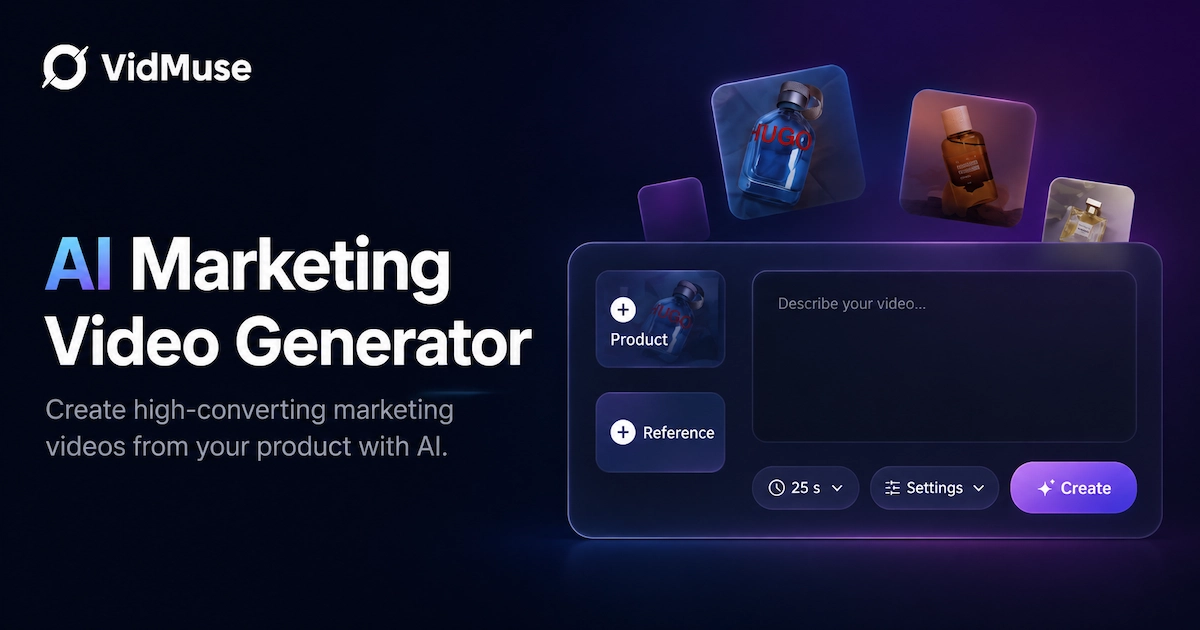
AI Marketing Video Generator: VidMuse Campaign Guide
VidMuse is the AI marketing video generator built to turn product inputs into campaign-ready promo videos, product demos, UGC-style ads, and social ads.
AI Ad Generator Free: Best Tools and Video Workflow
Compare AI ad generator free tools, check free-plan limits, and learn how VidMuse helps create product video ads with scripts, clips, subtitles, and CTAs.