

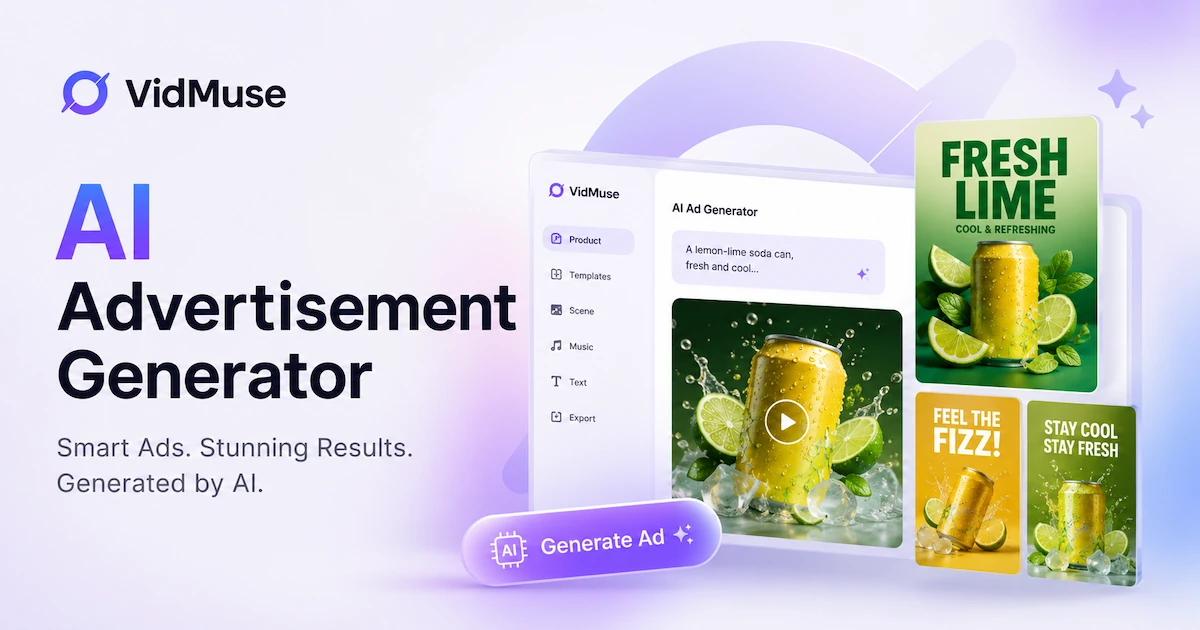
An AI advertisement generator is software that uses generative AI — language models for copy, image diffusion models for visuals, and video AI for motion — to produce ad assets from product inputs like URLs, photos, or creative briefs. It does in minutes what previously required a copywriter, designer, and video production team: generating headlines, static image ads, avatar-led video spots, or product-centered video ads. In 2026, choosing the right ai advertisement generator also means understanding the compliance requirements that now apply to AI-generated ad content in the EU, US, China, and other markets.
Key Takeaways
- An AI advertisement generator produces ad copy, static images, or video from product inputs — no camera, studio, or creative team required.
- There are 4 distinct types: copy/script, static image, avatar/UGC video, and product video — each suited to a different creative job.
- EU AI Act Article 50, effective August 2, 2026, requires AI-generated ads to carry machine-readable disclosure. Google added native AI content labels in July 2026.
- Leading tools include Creatify, Arcads, AdCreative.ai, InVideo AI, HeyGen, Zeely AI, Canva Grow, and VidMuse — free tiers exist, paid plans start at roughly $25–$49/month (verified July 2026).
- VidMuse applies a 6-phase AI Director workflow to generate product video ads from ecommerce links, photos, and brand assets.
Table of Contents
- What Is an AI Advertisement Generator?
- 4 Types of AI Advertisement Generators
- Best AI Advertisement Generators in 2026
- How to Use an AI Advertisement Generator Step-by-Step
- AI Advertisement Generator Workflow with VidMuse
- AI Advertisement Disclosure — What the Law Now Requires (2026)
- Common Mistakes When Using an AI Advertisement Generator
- FAQ
What Is an AI Advertisement Generator? {#what-is}
An AI advertisement generator is software that uses generative AI — language models for copy, diffusion models for images, and video generation models for motion — to produce ad assets from product inputs.
The inputs vary by tool: a product URL, a set of product photos, a written brief, a reference ad you admire, or brand assets like logos and color palettes. The outputs range from ad copy and static image banners to full-length video ads with voiceover, music, and subtitles.
Generative AI handles the parts of ad production that previously required separate specialists:
- Language models (LLMs) write hooks, headlines, scripts, and CTAs.
- Image diffusion models (e.g., Flux, Midjourney, GPT Images) generate product visuals, keyframes, and background scenes.
- Video AI models (e.g., Seedance, Kling, Hailuo) animate keyframes into video clips with camera motion.
The combination means a single platform can take a product URL and produce a 15-second vertical ad — script written, shots generated, voiceover recorded, music added — without a production crew.
Who uses AI ad generators: ecommerce brands running performance campaigns, DTC teams needing multiple creative variants for A/B testing, agencies producing ads at scale for clients, and small business owners who need to advertise without a full creative team.
For a detailed look at the video ad angle specifically, see our AI video ad generator guide.
4 Types of AI Advertisement Generators (and When to Use Each) {#types}
AI advertisement generators fall into 4 types — copy/script, static image, avatar/UGC video, and product video — each suited to a different creative job.
The first decision is whether your ad is message-led (what you say matters more than showing the product) or product-led (the product needs to be seen in context to convert). That split determines which type you need.
Type 1: Copy / Script Generators
What they do: Generate ad headlines, body copy, hooks, scripts, and CTAs. Output is text only.
Best for: Rapid hook testing, writing voiceover scripts before video production, generating multiple headline variants for A/B testing in display or search campaigns, or creating ad briefs to hand to a designer.
Tool examples: Jasper, Copy.ai, ChatGPT with structured prompts, AdGen AI.
Honest limitation: No visual output. You still need a separate tool to produce the image or video ad itself. These are brief and script tools, not full ad generators.
Type 2: Static Image Ad Generators
What they do: Generate banner ads, social image ads, and display ads from product photos or written briefs. Usually apply text overlays, brand colors, and layout templates.
Best for: Facebook and Instagram feed image ads, Google Display campaigns, LinkedIn image ads, rapid A/B testing of visual variants without video production overhead.
Tool examples: AdCreative.ai, Canva Grow, Zeely AI (static mode), Sivi.
Honest limitation: Static — no motion, no voiceover, no video. Not suited for Reels, TikTok, YouTube, or any placement where video is required or preferred. Image ads also see lower engagement than video on most social feeds in 2026.
Type 3: Avatar / UGC Video Ad Generators
What they do: Generate presenter-led video ads using AI avatars or digital humans. The tool takes a script and produces a talking-head video of an AI presenter delivering it — often with basic product imagery in the background.
Best for: Message-led ads where a spokesperson conveys the value proposition clearly (service businesses, SaaS, e-learning); testimonial-style content; multilingual ad variants from a single script (swap the voice without re-recording); UGC-style ads where the presenter style matters more than showing the product itself.
Tool examples: Creatify, Arcads, HeyGen, InVideo AI, Nextify.ai.
Honest limitation: The presenter is AI-generated. For physical products — especially ecommerce products where customers want to see texture, size, and how the product looks in use — avatar-led ads can feel detached. If a viewer cannot tell from the video what the product actually looks like, the ad underdelivers. For those cases, see Type 4.
See our AI UGC guide for a deeper look at the avatar/UGC video category.
Type 4: Product Video Ad Generators
What they do: Generate product-centered video ads from real product inputs — photos, URLs, ecommerce listings. The product is the visual subject. The AI generates keyframes showing the product, animates them into video clips, and assembles the full ad with voiceover, music, and CTA.
Best for: Ecommerce brands, DTC product launches, unboxing-style content, lifestyle product showcase, Amazon and Shopify product advertising, any campaign where the product itself needs to look good on screen.
Tool examples: VidMuse, Shhots.ai.
Honest limitation: Requires actual product asset inputs — clear product photos, a URL, or a description with enough visual detail. A blank brief produces generic output. The AI cannot invent product details that were not provided in the inputs.
Quick Decision Table
Most performance teams use more than one type: copy tools to draft scripts, avatar generators for spokesperson variants, and product video generators for the core ecommerce creative.
For unboxing and product reveal formats specifically, see our AI unboxing video maker guide.
Best AI Advertisement Generators in 2026 {#comparison}
The best AI advertisement generators in 2026 cover video ads, image ads, and copy — here are 8 tools compared by type, pricing, and best use case.
Different tools serve different creative jobs. Match the tool to the type before comparing features within the same category.
Pricing as of July 2026 — verify current plans before purchasing, as pricing changes frequently.
Create Video Ads with VidMuse
Upload product photos or paste a product URL. VidMuse generates a complete video ad — script, visuals, voiceover, music, and CTA — no production team needed.
How to read this table: For static image ads, start with AdCreative.ai or Canva Grow. For spokesperson or testimonial video, Creatify or Arcads are the strongest options. For ecommerce product-centered video ads — where the product must look accurate and compelling in motion — VidMuse covers the full production workflow from input to exported MP4.
For a broader comparison of AI ad generator options by use case, see the VidMuse ad generator feature page.
How to Use an AI Advertisement Generator (Step-by-Step) {#how-to-use}
Using an AI advertisement generator takes 6 steps — from defining the job to adding disclosure before publishing.
Most failures with AI ad generators happen at Steps 1, 2, and 6 — not in the generation step itself. Weak brief in, weak ad out. Disclosure skipped, compliance risk created.
Step 1: Define the Job
Before opening any tool, write down:
- Channel: Facebook feed, Instagram Reels, TikTok, YouTube pre-roll, Google Display.
- Format: Static image, 15-second video, 30-second video, carousel.
- Goal: Awareness, consideration, or conversion.
- Target audience: Who sees this ad and what do they already know about the product?
Choosing the wrong tool happens most often because this step was skipped. A 30-second YouTube pre-roll and a 15-second TikTok ad need different formats, pacing, and visual energy — and different generator types.
Step 2: Prepare Your Inputs
Gather before you open the tool:
- Product URL — Amazon, Shopify, or any product page with clear images and copy.
- Product photos — 3–5 high-resolution images, multiple angles if available.
- Key benefit or hook — one or two sentences: what problem does this product solve and for whom?
- Reference ad — an ad you admire or want to replicate in style or pacing (optional but useful for direction).
- Brand assets — logo, brand colors, fonts if the tool supports them.
Weak inputs produce weak ads. "Make a great ad for this product" without the product details gives the AI nothing to work with except the most generic interpretation of your category.
Step 3: Choose the Right Generator Type
Use the decision table from the Types section:
- Message-led (spokesperson, testimonial, explainer) → Avatar / UGC Video Generator.
- Product-led (ecommerce, product in use, unboxing) → Product Video Generator.
- Display or feed image → Static Image Generator.
- Script only → Copy / Script Generator.
Step 4: Generate and Review
Run the generation, then review in this order:
- Product accuracy first — Is the product shown correctly? Colors, packaging, proportions, key features? AI generators can hallucinate product details when inputs are incomplete. Fix inputs, not just the output.
- Claim accuracy — Does any line say "saves hours," "works instantly," or "best-in-class"? Each claim needs a proof basis or softer language.
- Channel fit — Does the pacing, format, and aspect ratio match the intended placement?
Do not publish the first output without a product accuracy review.
Step 5: Revise
The first generation is a starting point, not a final product.
- Hook (first 3 seconds) is the highest-leverage edit for video ads. Most AI tools let you regenerate just the opening sequence.
- CTA — is the call to action clear, specific, and matched to the funnel stage?
- Variants — generate 2–3 hook variants to A/B test in your campaign. The asset library investment here is low; the performance upside is high.
Step 6: Export and Add AI Disclosure
Export in the required format (MP4 for video, PNG or JPG for static).
Before publishing:
- Check your platform's AI labeling policy. Google and Meta now support native AI content labels (Google added this in July 2026). Check whether your account's upload flow prompts for AI disclosure.
- Add disclosure where required by law. If you are running ads to EU audiences, EU AI Act Article 50 (effective August 2, 2026) requires machine-readable disclosure for AI-generated commercial content. Add the label at the platform level or embed it in the creative.
- Do not use AI to generate realistic likenesses of real individuals without their explicit consent — this is covered by both EU deepfake rules and US portrait rights laws.
For a broader overview of AI's role in advertising strategy, see our AI advertising guide.
AI Advertisement Generator Workflow with VidMuse {#vidmuse-workflow}
VidMuse applies a 6-phase AI Director workflow to turn product inputs into ad-ready video — from ecommerce link to exported MP4.
VidMuse is a product video generator (Type 4). Its inputs are product-centered — URLs, photos, descriptions, brand assets — and its output is a complete video ad. It does not generate presenter-only avatar content and is not a copy-only tool. The workflow is designed for teams that need the product to look good and accurate on screen.
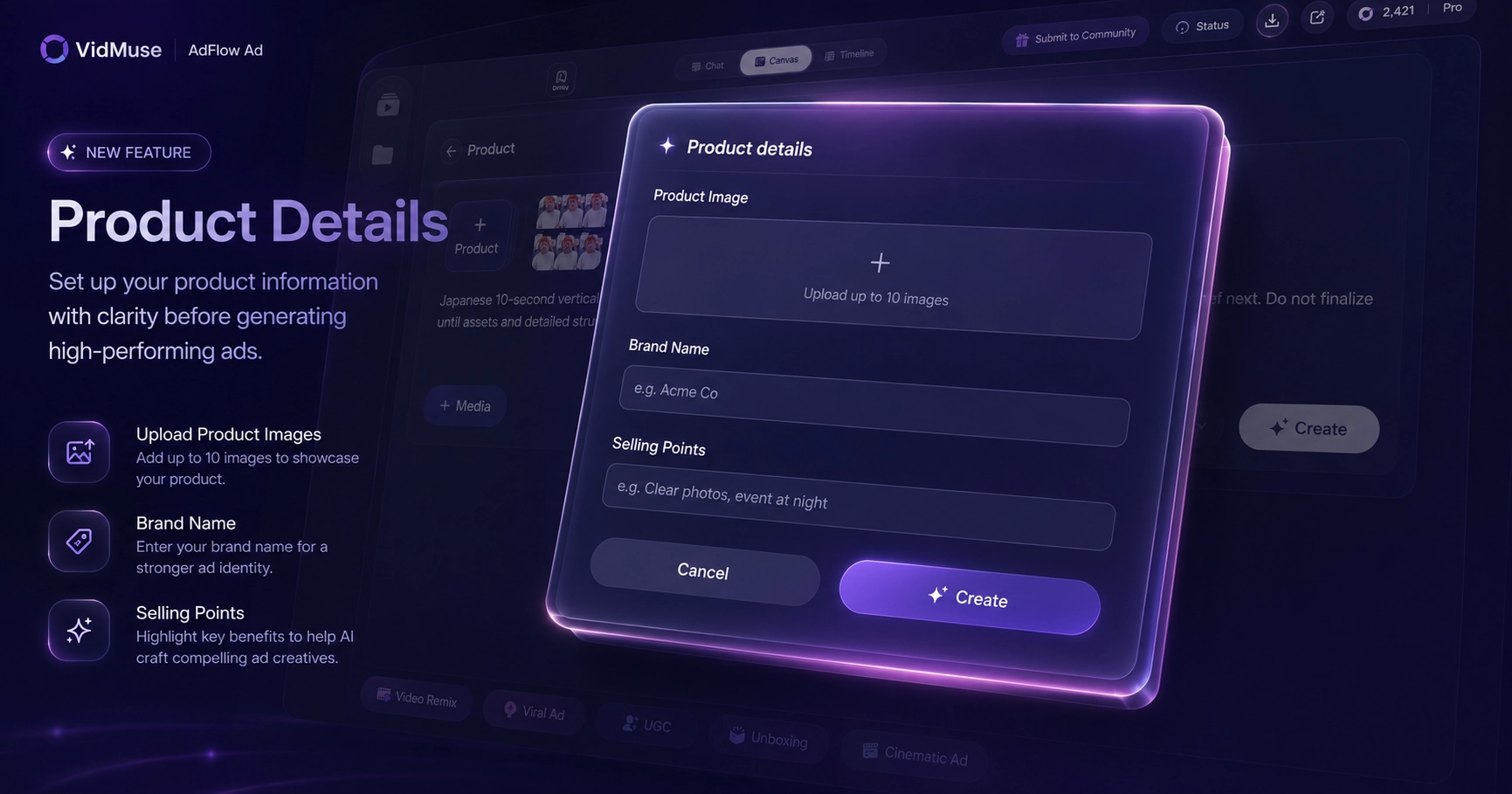
Phase 1: Input & Understand
VidMuse accepts product inputs from multiple sources:
- Amazon, Shopify, or eBay product URL
- Product photos (multiple angles)
- Text description
- Reference ad video
- Brand assets (logo, color palette)
From these, VidMuse extracts product category, target audience, tone, style cues, key selling points, and USP. This is the Product Understanding from Inputs feature — the AI reads product context to inform every downstream creative decision, from template selection to voiceover tone.
Phase 2: Creative Planning
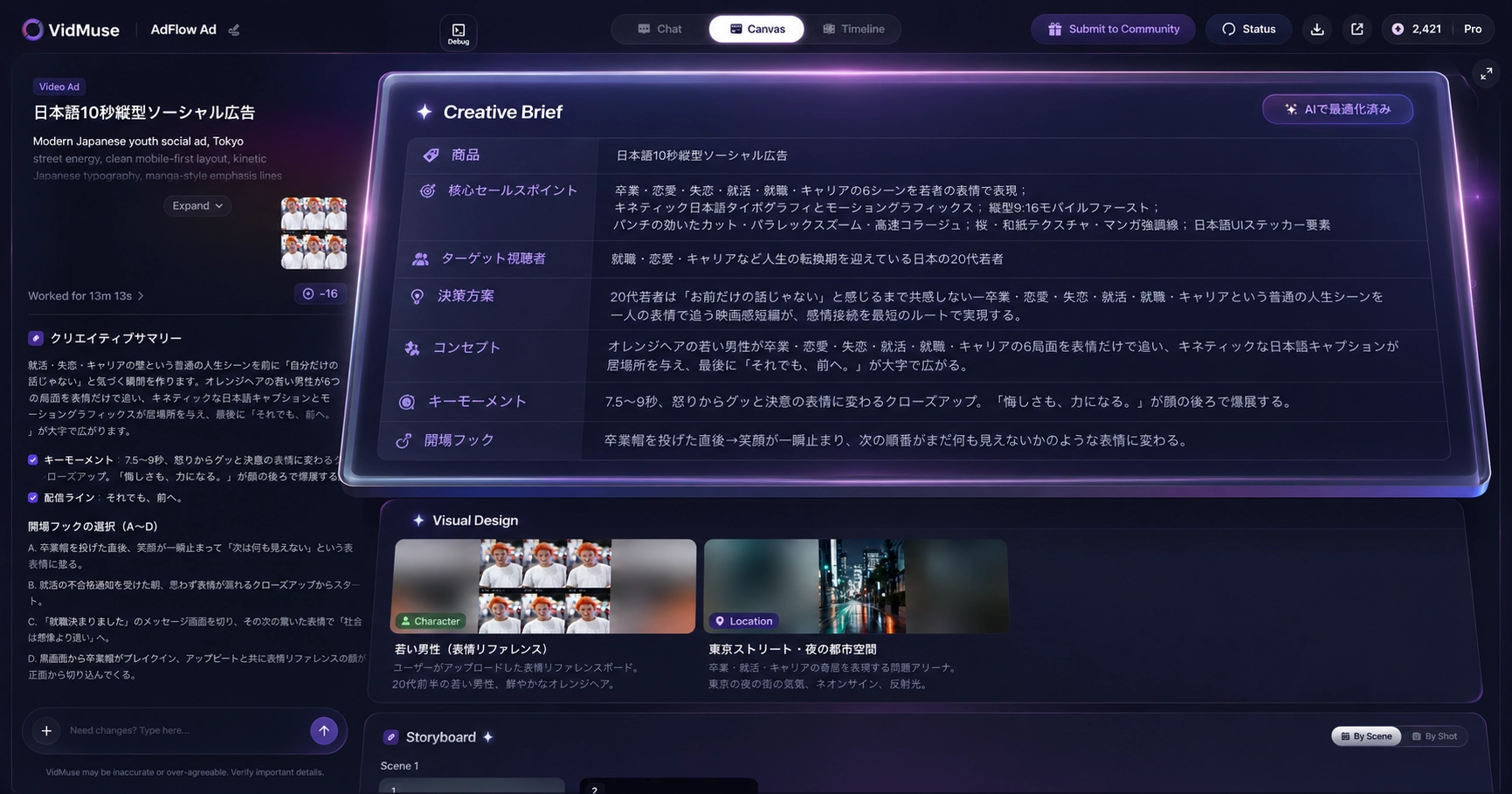
With product context established, VidMuse maps the product to an ad template:
- Unboxing
- Lifestyle
- Hero Product Showcase
- UGC-Style
- Explainer
- Digital Human Presenter
- Hype / Dynamic
For each template, VidMuse generates an AI Creative Brief: ad angle, hook concept, script, shot list, voiceover plan, and CTA placement. The script is derived from the product's value proposition — not a generic template applied to any product.
Phase 3: Asset Generation
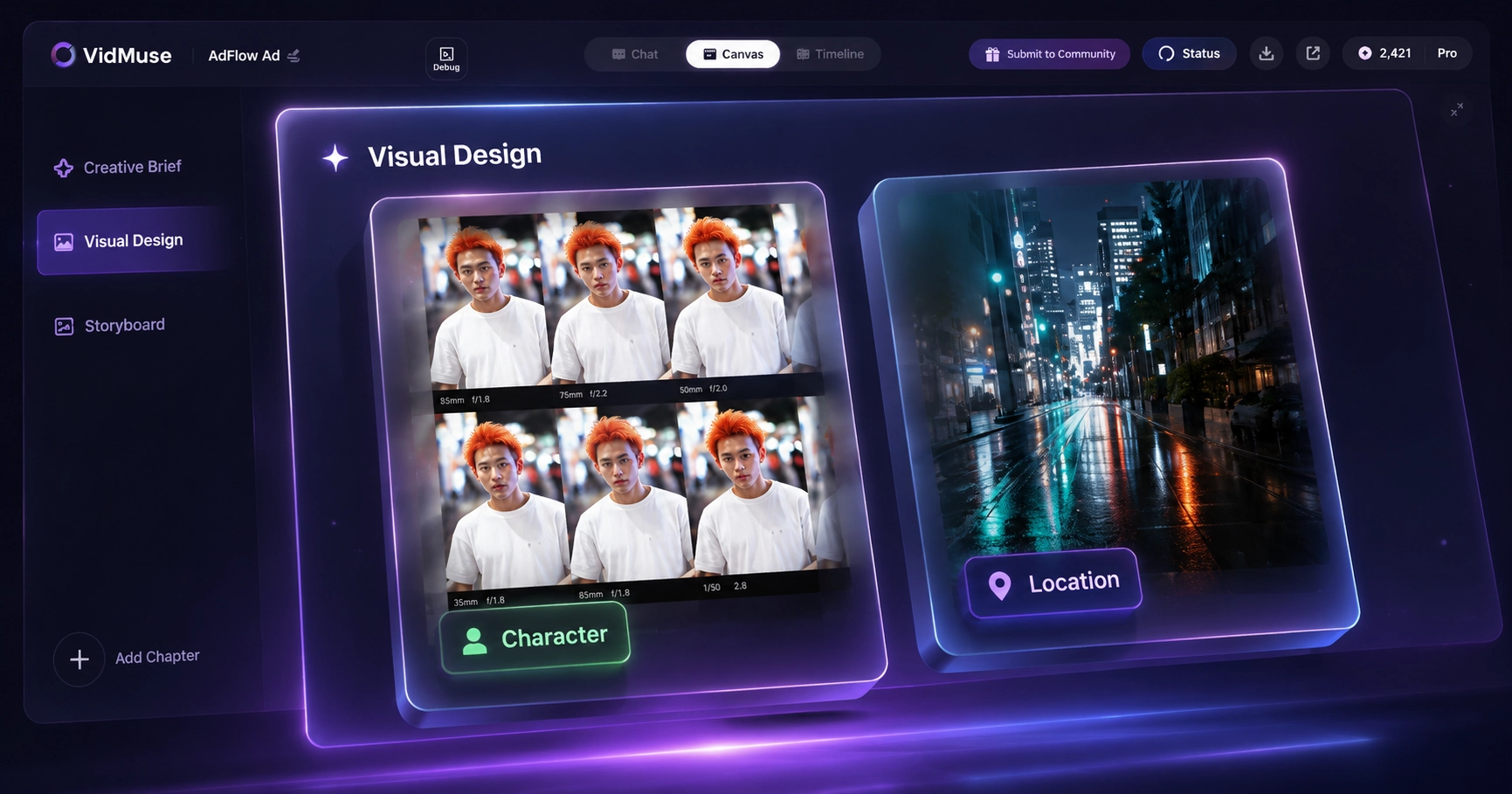
VidMuse generates keyframes for each planned shot using integrated image models (including Flux.2 Pro, GPT Images 2.0, Midjourney V7, Seedream 5.0 Lite). Voiceover (multi-language) and background music are created in parallel — with original music generation via Suno AI integration.
Phase 4: Video Clip Generation
Video clips are generated from the keyframes using integrated video models including Seedance, Kling, Hailuo, and Veo. Camera motion, style consistency across clips, and music tempo matching are applied per clip.
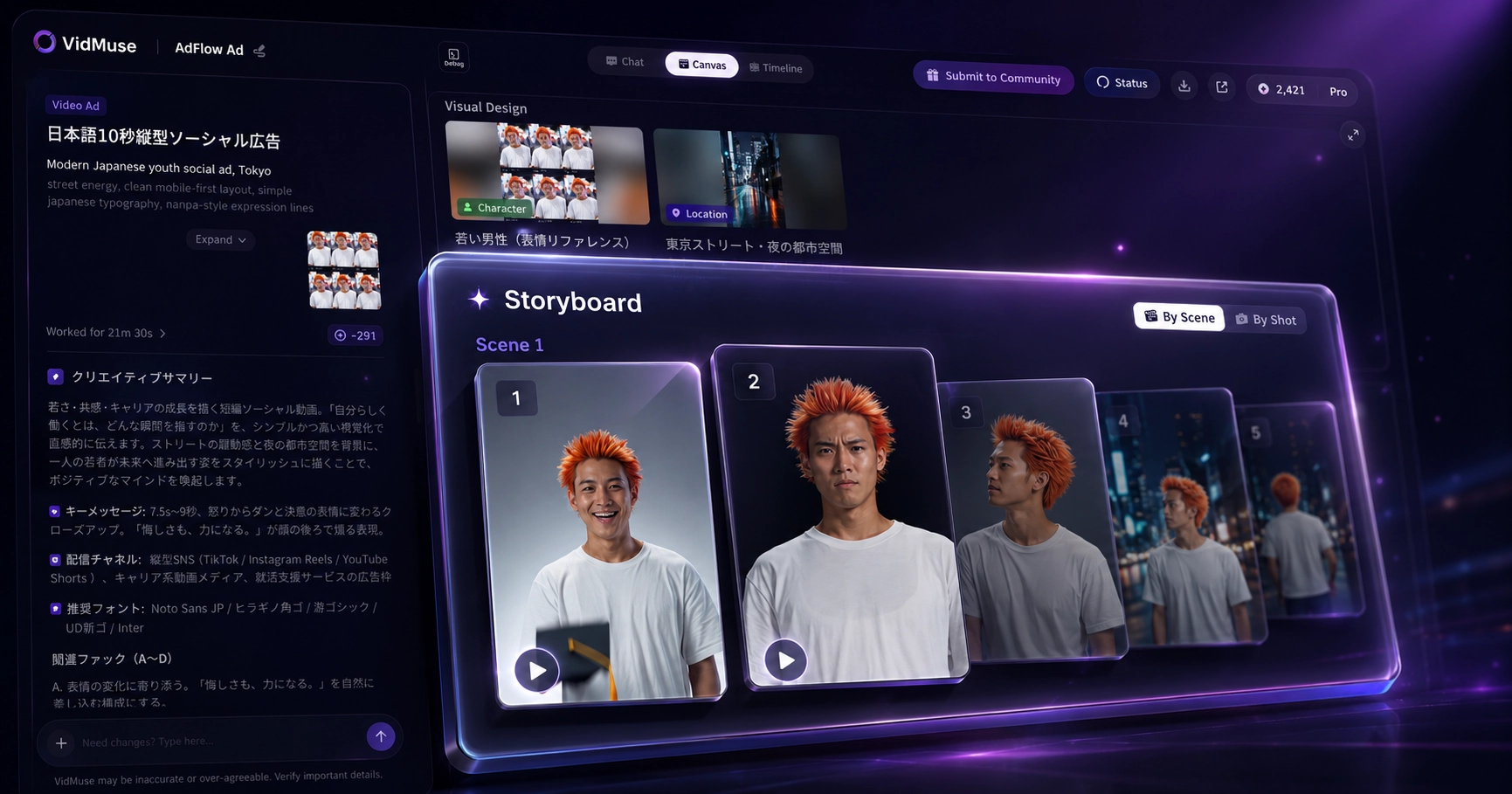
Phase 5: Timeline Assembly
Clips are arranged on the timeline with voiceover synced, music beat-matched, subtitles added, and CTA text placed. This is the Voiceover, Music, Subtitles, and CTA assembly step — the full audio-visual structure is assembled in one workflow, including multilingual subtitle support.
AI Refine (part of VidMuse 2.0): select any clip on the timeline, describe the change in natural language, and the clip is regenerated in place. This supports brand review cycles without rebuilding the entire ad.
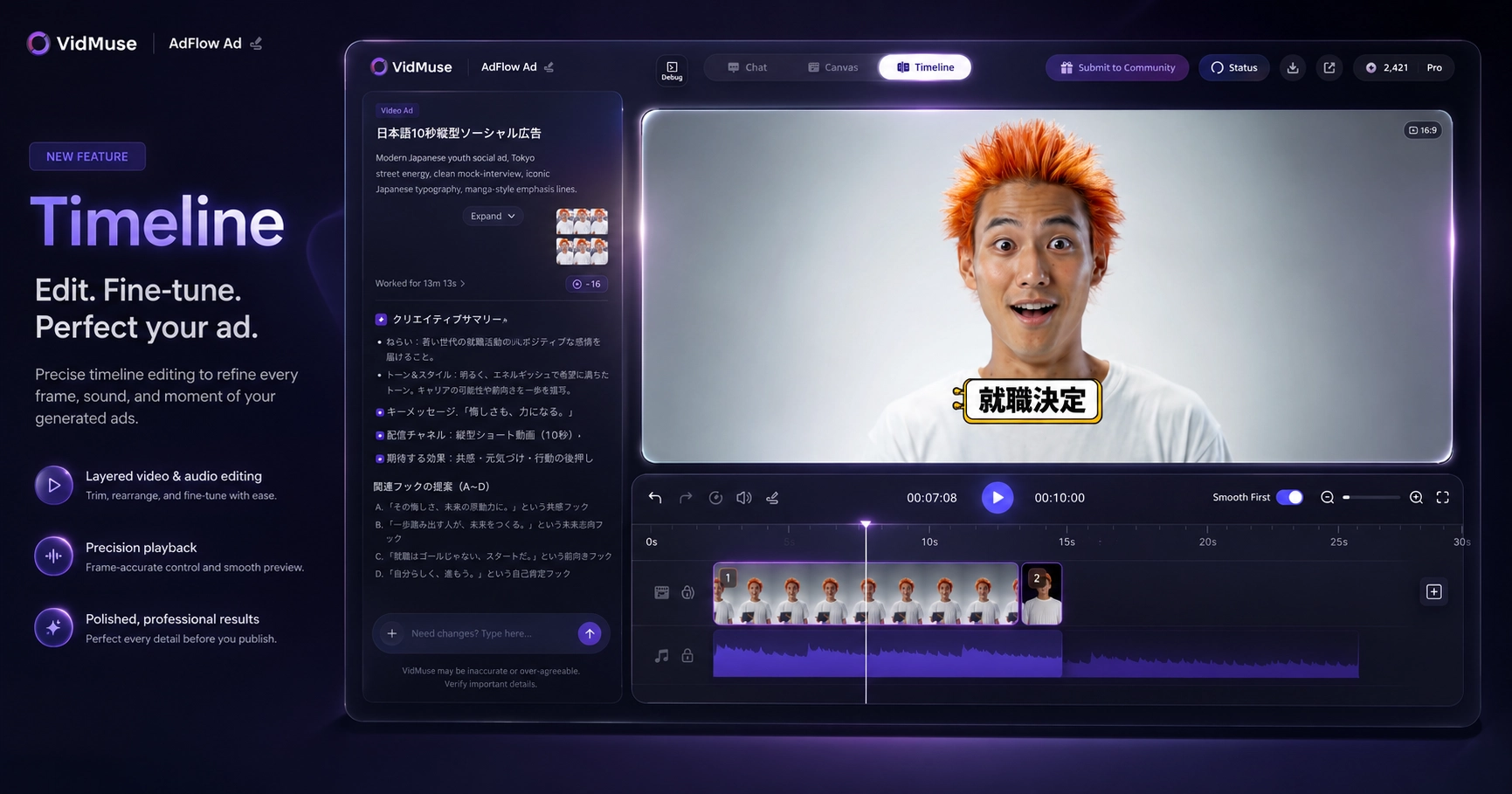
Phase 6: Render & Deliver
Output: MP4, 9:16 or 16:9, 15s / 30s / 60s / custom duration. The file is render-ready for the target platform without additional re-editing.
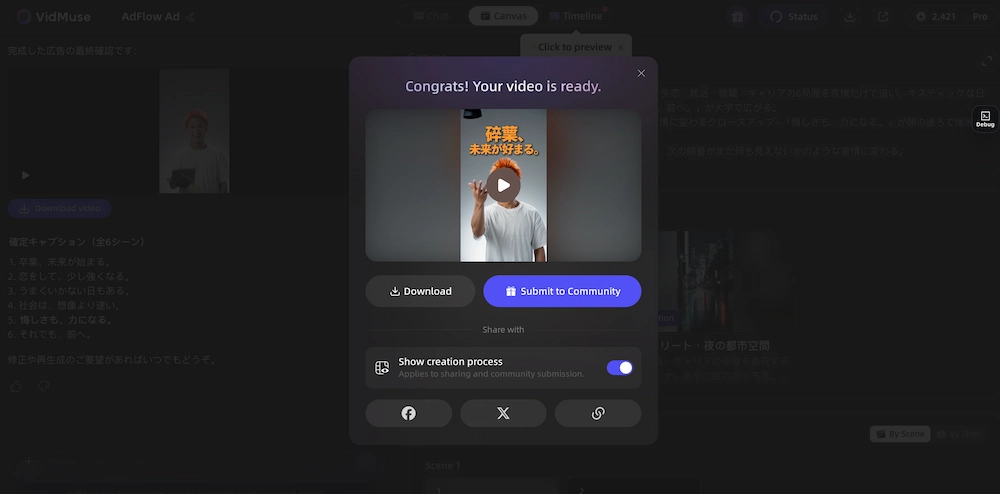
What VidMuse Requires and Does Not Do
- VidMuse requires product asset inputs. It cannot generate convincing product ads from a blank brief.
- Final brand QA — logo placement, claim accuracy, AI disclosure compliance — remains the team's responsibility.
- VidMuse does not directly access, download, or edit platform-hosted ad footage.
For a full overview of VidMuse's ad generation capability, see the product ad video generator launch post. For ecommerce winning product workflows, see VidMuse for ecommerce.
Create Product Video Ads with VidMuse
Paste your product URL or upload photos. VidMuse generates a complete ad video — script, visuals, voiceover, music, and CTA — ready to publish.
AI Advertisement Disclosure — What the Law Now Requires (2026) {#compliance}
As of August 2026, major markets including the EU, US, China, UK, and South Korea require AI-generated advertisements to carry explicit disclosure — with financial penalties for non-compliance.
This is not a future requirement. The EU AI Act's transparency provisions took effect on August 2, 2026. Google launched native AI content labels for ads in July 2026, one month before the EU deadline — a platform-level signal of how seriously this is being enforced across the advertising ecosystem.
EU AI Act — Article 50
The EU AI Act is the first comprehensive AI regulation law globally, in force since August 2024 with phased implementation. Article 50 (Transparency Obligations) reached full enforcement on August 2, 2026.
Key requirements for AI-generated ad content:
Penalty: Up to €15 million or 3% of global annual revenue, whichever is higher.
Important: The exemption for "clearly artistic or satirical content" does not apply to commercial ad creatives intended to sell products to consumers.
Google's Native AI Labels (July 2026)
Google launched native AI content labeling in its ads platform in July 2026, ahead of EU enforcement. Advertisers uploading AI-generated images or video to Google Ads can now apply AI labels natively within the platform's creative upload flow.
This means platform-level labeling is available. However, Google's native label does not automatically satisfy the EU AI Act's machine-readable metadata requirement — verify your creative's technical compliance separately.
US State Laws
The United States does not have a federal AI disclosure law as of July 2026. Key enacted state laws:
Trend: These laws started with political advertising and are actively expanding to commercial contexts. Advertisers should monitor platform policies regardless of geography — platforms like Meta have global policies that apply to all ad accounts.
China, UK, and South Korea
Practical Compliance Checklist
-
Check your ad platform's AI labeling support. Google and Meta both support native AI content labels. Verify whether applying the platform label meets your region's legal requirements — or whether you also need embedded metadata (C2PA).
-
Add visible AI disclosure in your creative, caption, or account metadata where required by the EU AI Act or applicable US state laws. "Created with AI" in the ad description or creative overlay satisfies basic disclosure — machine-readable metadata is required for full EU compliance.
-
Never generate realistic likenesses of real individuals without explicit written consent. EU deepfake rules and US portrait rights laws (California AB 1836, AB 2602) both apply to AI-generated commercial content.
Common Mistakes When Using an AI Advertisement Generator {#mistakes}
Most AI advertisement failures come from weak inputs and skipped review steps — not from the tools themselves.
Mistake 1: Vague Prompt ("Make a Good Ad for This Product")
What happens: The AI produces a generic output that could apply to any product in the category. Nothing specific about your product, its audience, or its offer.
Fix: Write a structured brief before generating: channel, format, target audience, the key benefit you want the viewer to leave with, the proof point behind that benefit, and the CTA. Structured inputs produce structured output.
Mistake 2: Not Reviewing Product Accuracy
What happens: Wrong color appears on the product, packaging details are incorrect, or a feature is described that the product does not have. The AI fills gaps in the input with its own inference — sometimes correctly, sometimes not.
Fix: Check product accuracy before reviewing anything else. Colors, proportions, key features, and packaging must match the real item. If the product is wrong, fix the inputs and regenerate rather than editing the output.
Mistake 3: Using an Avatar-Led Generator for a Product That Needs to Be Seen
What happens: A talking avatar describes the product for 20 seconds — but the viewer never sees the product in context. For physical products where appearance, size, and use scenario drive purchase intent, this underperforms.
Fix: Use a product video generator (Type 4) for ecommerce and physical products. Reserve avatar/UGC tools for message-led ads where the presenter's communication is the primary driver of the ad's value.
Mistake 4: Publishing the First Generation Without Revision
What happens: First output is treated as final output. The hook — the first 3 seconds — is rarely at its strongest in the first generation.
Fix: Always run at least one revision on the hook. Describe what you want to change ("stronger product reveal in the first 2 seconds," "more urgent CTA"), and regenerate that section. Most AI ad tools support clip-level or section-level revision without rebuilding the entire ad.
Mistake 5: Publishing Without AI Disclosure
What happens: Ad serves to EU audiences without the required machine-readable AI label, or to audiences in US states with AI disclosure laws. Legal exposure and potential platform policy violation.
Fix: Add AI disclosure at the platform level (Google, Meta both support this natively as of July 2026) and in the ad creative or caption where required. Verify your creative meets the EU AI Act's technical metadata requirement if serving EU audiences.
FAQ {#faq}
What is an AI advertisement generator?
An AI advertisement generator is software that uses generative AI to produce ad assets — copy, static images, or video — from product inputs such as product URLs, photos, or written briefs. It replaces or significantly accelerates the manual process of producing ad creatives from a full-sized production team to a single workflow.
Is there a free AI advertisement generator?
Yes. Several tools offer free tiers: Creatify (limited generations), InVideo AI (watermarked exports), Canva Grow (basic templates), and Zeely AI. Free plans typically limit export volume, resolution, or access to video features. For production-grade, watermark-free output, paid plans generally start at $25–$49/month as of July 2026.
What types of ads can an AI advertisement generator create?
AI advertisement generators create four types of ad output: ad copy and scripts (Type 1), static image ads for display and social (Type 2), avatar or UGC-style video ads with AI presenters (Type 3), and product-centered video ads generated from real product inputs (Type 4). Most tools specialize in one or two types — choosing by type first is more reliable than choosing by brand name.
Do AI-generated ads need to disclose that they were made by AI?
Yes, in multiple markets as of 2026. EU AI Act Article 50 (effective August 2, 2026) requires machine-readable disclosure for AI-generated commercial ad content, with penalties up to €15 million or 3% of global revenue. Google added native AI content labels in July 2026. Several US states (California, Texas, Florida, Colorado, Utah) require disclosure for AI-generated advertising content, with requirements expanding from political to commercial contexts.
What's the difference between an AI avatar ad and a product video ad?
An AI avatar ad features an AI-generated presenter (digital human) delivering a script — the product may appear in background shots but the presenter is the focal point. A product video ad uses real product inputs (photos, links, descriptions) to generate motion visuals showing the product itself in context. Use avatar ads for message-led content where the presenter's communication drives the ad; use product video ads for ecommerce or product-centered creatives where the product needs to look accurate and compelling on screen.
How accurate are AI-generated advertisements?
Accuracy depends directly on input quality. With strong inputs — clear product photos, specific brief, reference ad for style direction — generators produce on-brief output. With vague inputs, output is generic. Product accuracy (correct colors, proportions, packaging details) must always be reviewed manually before publishing. AI generators fill input gaps with inference, which can produce incorrect product details when product information is incomplete.
How do I choose the right AI advertisement generator for my product?
Start with the type that matches your creative job: copy generator for scripts, static image generator for display ads, avatar/UGC generator for spokesperson video, product video generator for ecommerce ads. Then verify: does it accept your input type (URL, photos, text)? Does it support your output format (9:16, 16:9, MP4, PNG)? Does it support revision workflows? Use the comparison table above to shortlist 2–3 tools for your type, then test each with the same product brief to compare output quality directly.
Conclusion
An AI advertisement generator handles the creative production step — generating ad copy, images, or video from structured product inputs. The most important decision is type first: message-led ads need avatar/UGC generators; product-led ads need product video generators. The second-most important consideration in 2026 is compliance: EU AI Act Article 50 enforcement began on August 2, 2026, Google and Meta support native AI labeling, and US state requirements continue expanding.
VidMuse covers the product video ad generation workflow end-to-end — from product URL or photos to exported MP4 — with a 6-phase AI Director process that includes script planning, asset generation, voiceover, music, and timeline assembly.
Generate Product Video Ads with VidMuse
From product URL to publish-ready video ad in minutes — AI Director workflow handles script, visuals, voiceover, music, and export.

Written By
VidMuse Team
Continue Reading
Latest blog posts related to AI video creation.
AI Product Video Generator: VidMuse Guide for 2026
Create product videos from images, URLs, and descriptions with VidMuse AI. Plan scenes, generate clips, refine CTAs, and export product videos for ecommerce.
AI Marketing Video Generator: VidMuse Campaign Guide
VidMuse is the AI marketing video generator built to turn product inputs into campaign-ready promo videos, product demos, UGC-style ads, and social ads.
AI Ad Generator Free: Best Tools and Video Workflow
Compare AI ad generator free tools, check free-plan limits, and learn how VidMuse helps create product video ads with scripts, clips, subtitles, and CTAs.