

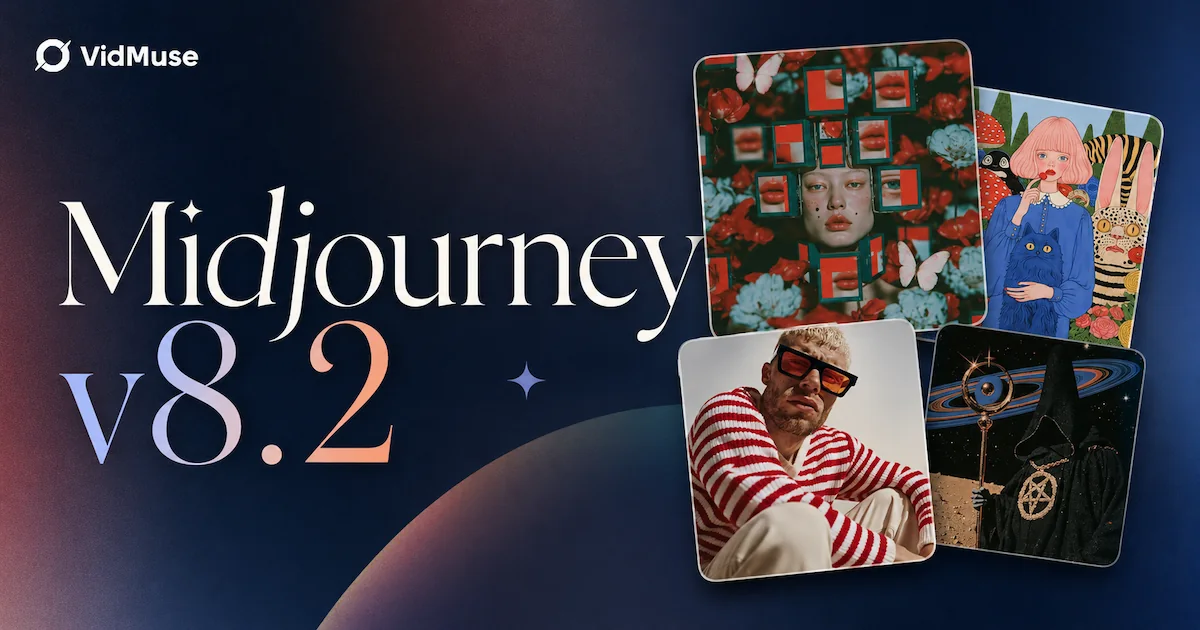
Midjourney 8.2: What's New and How to Use It (Guide)
Midjourney 8.2 is now the default image model on Midjourney — replacing V8.1 as of July 24, 2026 with improvements to aesthetics, personalization, and image quality. In Midjourney's own words: "Images should be more creative, bold, sophisticated, edgy and fresh." The update also reduces random low-quality outputs and makes personalization profiles significantly smarter at understanding your rated preferences. Every new prompt on Midjourney now uses V8.2 automatically — no flag needed.
This guide covers what changed in Midjourney 8.2, how to use it, prompt tips for the new defaults, a direct comparison with V8.1, how Midjourney fits into AI video workflows, and the limitations you should know. For the previous version's capabilities, see our Midjourney V8.1 review.
Key Takeaways
-
Midjourney 8.2 is now the default model — launched July 24, 2026 after a preview period starting June 25.
-
Core improvements: bolder aesthetics, better personalization (understands your ratings/taste), and dramatically fewer random low-quality outputs.
-
Personalization profiles now draw from a larger, improved image pool — the more you rate, the better 8.2 adapts to your style preferences.
-
No pricing changes, no architecture disclosures, no public API, no open weights. Same Midjourney subscription, better output.
-
VidMuse integrates Midjourney V7 for keyframe generation; Midjourney 8.2 stills can feed into VidMuse's video pipeline through image-to-video workflows.
What Is Midjourney 8.2?
Midjourney 8.2 is Midjourney's latest default image generation model, released July 24, 2026, focused on aesthetic upgrades, improved personalization, and more consistent image quality across prompts.
The release follows the Midjourney version evolution: V7 introduced significant quality leaps in 2025, V8.0 and V8.1 refined those gains in 2026, and V8.2 now completes the cycle with aesthetic and personalization polish. The model was in preview via the --preview flag since June 25, 2026 before becoming the default on July 24.
Midjourney (midjourney.com) is an independent research lab building closed, hosted image generation models. No weights are published, no architecture is disclosed, and no public API exists. All generation happens through Midjourney's Discord, web app, or direct platform.
What's New in Midjourney 8.2
Midjourney 8.2 improves three areas over V8.1: bolder aesthetics, smarter personalization, and fewer random quality drops.
Aesthetics and Image Quality
Midjourney's official announcement states images are now "more creative, bold, sophisticated, edgy and fresh." In practice, community testers report cleaner detail rendering, better natural lighting, improved depth of field handling, and more dynamic compositions — particularly at higher --stylize values.
The aesthetic shift is noticeable when comparing outputs side by side. V8.1 tended toward clean, safe reliability — technically accurate but sometimes conservative in creative choices. V8.2 leans toward visual confidence — more contrast, more dramatic lighting setups, bolder color grading, and more dynamic compositions. A portrait prompt that produced a well-lit but standard headshot in V8.1 might add dramatic rim lighting or a more striking background in V8.2.
This shift benefits editorial photography, cinematic concept art, fashion imagery, and mood-driven visuals more than product photography or technical illustration. For prompts that require restrained, literal output, V8.1's conservative approach may still be preferable — use --v 8.1 to force the old model when needed.
Personalization
Midjourney states: "Personalization will 'understand' your personal taste much better. Especially if you have a ton of ratings under your profiles."
Two concrete changes:
- Better taste modeling — the algorithm more accurately reflects your rated preferences in generated output.
- Larger rating pool — "Creating personalization profiles for V8.2 now has a much larger and improved pool of images to choose from."
Practical implication: if you've rated hundreds or thousands of images in your Midjourney profile, V8.2 will adapt more accurately to your aesthetic direction. Users with few ratings will see less improvement — personalization scales with engagement.
Consistency and Reliability
"Random situations where you'd get a low quality image should be dramatically reduced." This addresses a V8.1 pain point where identical or near-identical prompts occasionally produced unexpectedly poor results — blurry textures, misaligned compositions, or collapsed details.
Community reports also indicate improved --sref (style reference) consistency. The same style code produces more predictable results across different prompts, which matters for series work, branding, and visual continuity.
How to Use Midjourney 8.2
Midjourney 8.2 is now the default — every new prompt uses it automatically, with no flag required. If you previously used --preview to test 8.2 during its preview phase, you no longer need it.
Access: All existing Midjourney subscribers on Discord, the web app, or midjourney.com. No additional sign-up, no extra cost.
Key parameters for 8.2:
To compare versions: Run the same prompt twice — once without a version flag (8.2 default) and once with --v 8.1. This reveals exactly where 8.2 improves for your specific prompts and where V8.1 might still be preferable.
Draft mode and Big Batch: Both work with 8.2 as they did with 8.1. Big Batch Draft Mode was also updated to support --sref random, which Midjourney describes as "exploring style space 24x faster" by pulling a random style reference for each draft generation. This is useful for rapid aesthetic exploration — generate dozens of style variations for the same prompt, then pick the direction that works.
Personalization setup: If you haven't created a personalization profile yet, go to your Midjourney profile and start rating images. The rating interface presents image pairs and asks you to choose the one you prefer. V8.2's improved personalization algorithm uses these ratings to bias your outputs toward your aesthetic preferences. Users with hundreds or thousands of ratings report the most noticeable improvement from 8.1 to 8.2.
Midjourney 8.2 Prompt Tips
Midjourney 8.2 responds best to aesthetic direction, lighting cues, and personalization — here's how to get the most from the new defaults.
1. Lean into aesthetic keywords. 8.2 is built for bold, sophisticated output. Descriptors like "cinematic," "moody," "editorial," "filmic grain," "golden hour" produce stronger results than V8.1. The model amplifies aesthetic intent more aggressively.
2. Use personalization profiles. If you've rated images, activate --profile. The more ratings in your history, the better 8.2 adapts. Create separate profiles for different project aesthetics — one for cinematic portraits, another for product shots.
3. Try higher --stylize values. 8.2's aesthetic improvements shine at --stylize 500-800. Lower values (100-200) produce cleaner, more literal results. Higher values let the model fully express its upgraded aesthetic range.
4. Explore with --sref. Style references are more consistent in 8.2. Save working --sref codes for your best outputs and reuse them across projects for visual series continuity.
5. Don't over-specify. 8.2's default aesthetics are already stronger than 8.1. Overly long, prescriptive prompts can fight the model's natural creative taste. Give 8.2 room to breathe — shorter, more directed prompts often outperform exhaustive descriptions.
6. Feed 8.2 stills into video workflows. Generate keyframes or reference images with 8.2's improved quality, then use them as starting frames for AI video generation. The video to video maker approach turns these stills into animated clips via image-to-video models.
Midjourney 8.2 vs 8.1: What Changed
Midjourney 8.2 replaces V8.1 as the default with bolder aesthetics, better personalization, and fewer quality drops — while keeping the same access and pricing. VidMuse users who generate Midjourney keyframes can expect more visually striking reference images from the same prompts.
The upgrade is incremental, not architectural. If you were happy with V8.1's output style, 8.2 should feel like a refined, more confident version. If you were frustrated by occasional quality drops or weak personalization, 8.2 directly addresses both complaints.
For the full V8.1 baseline review, see our Midjourney V8.1 review.
Midjourney 8.2 in Video Workflows
Midjourney 8.2 generates stills, not video — but those stills can feed directly into AI video pipelines like VidMuse for music videos, product ads, and cinematic content.
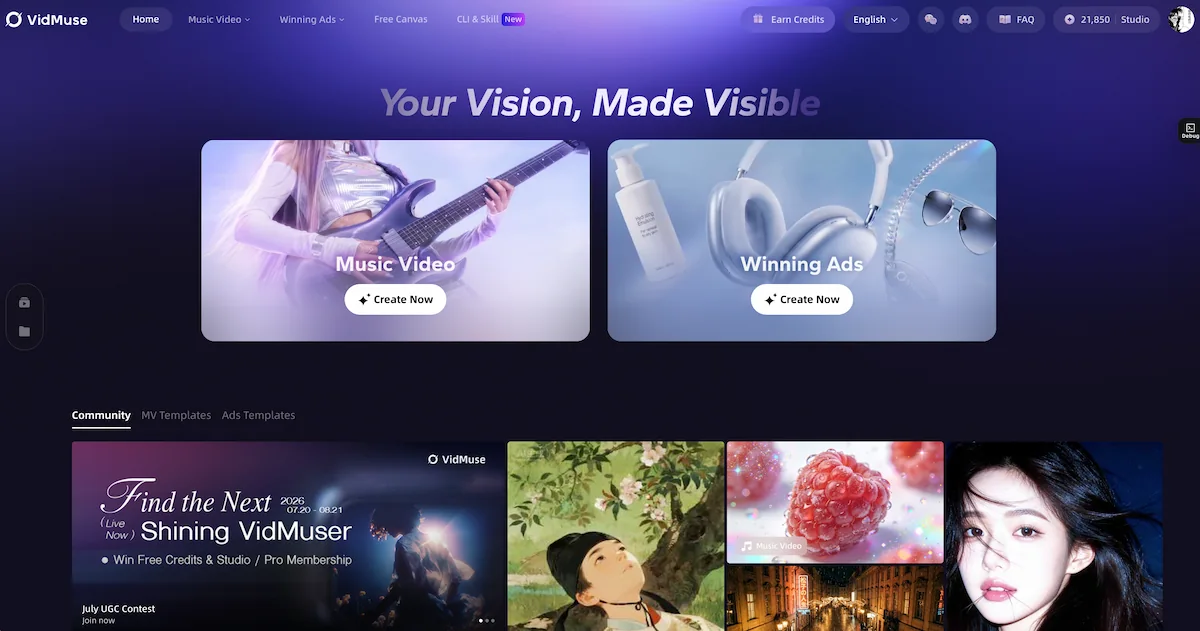
The hybrid pipeline:
- Generate keyframes with Midjourney 8.2 — use 8.2's improved aesthetics and personalization to create high-quality stills for your project.
- Upload to VidMuse as reference assets — feed those images into VidMuse's AI Director workflow at the Reference Generation stage.
- Generate video clips — VidMuse uses 20+ video models (Seedance 2.0, Kling V3.0, Veo 3.1, PixVerse V6, Hailuo 2.3) to animate your Midjourney stills into video.
- Assemble on the timeline — VidMuse 2.0 Shot Refine lets you iterate on individual clips. Timeline Editor handles multi-clip assembly with voiceover, music, subtitles, and CTA.
VidMuse integration note: VidMuse currently integrates Midjourney V7 as one of its image generation models. Midjourney has no public API, so V8.2 is not directly available inside VidMuse for automatic generation — but you can generate 8.2 stills externally and upload them as assets into any VidMuse project.
Music video use case: Generate character portraits, scene environments, and mood frames with 8.2's improved aesthetics → feed into VidMuse's AI music video generator → storyboard + beat-synced video generation. The bolder aesthetic direction of 8.2 is particularly suited for story MV keyframes where dramatic lighting and emotional composition matter.
Ad video use case: Generate product hero shots and lifestyle scenes with 8.2's improved detail rendering → feed into VidMuse's AI ad generator → script planning + video assembly + CTA overlay. For product close-ups, 8.2's improved texture rendering produces more realistic product visuals than V8.1.
Why this matters: Most AI video generators start from text prompts alone. Starting from a high-quality Midjourney keyframe gives the video model a concrete visual target — consistent lighting, composition, and character appearance — instead of generating everything from scratch. The result is more predictable, more visually coherent video output.
Turn Midjourney Stills into Videos
VidMuse's AI Director workflow turns your Midjourney keyframes into planned scenes, storyboards, and final video — with 20+ video models.
Midjourney 8.2 Limitations
Midjourney 8.2 improves aesthetics and personalization but inherits the same core limitations as every Midjourney version.
1. No public API. You cannot access 8.2 programmatically. Generation happens only through Midjourney's Discord, web app, or midjourney.com. This limits integration with external platforms and automated workflows.
2. Closed model. No weights are distributed, no architecture is disclosed, and no fine-tuning is possible. You depend entirely on Midjourney's hosted infrastructure.
3. No benchmarks. Midjourney publishes no quality scores, no head-to-head evaluations. Claims of improvement are based on the official announcement and community impressions, not published data.
4. Image only. 8.2 generates stills — no video, no audio. For video, pair Midjourney stills with a video model or a pipeline like VidMuse. For another frontier image model that also generates video, see FLUX 3.
5. Prompt sensitivity remains. While output consistency improved, prompt wording still significantly changes results. Expect iteration, especially for complex scenes.
6. Personalization requires effort. The improved personalization only works if you've rated images. New users or users with few ratings won't see the personalization benefit immediately — it scales with engagement.
FAQ: Midjourney 8.2
What is Midjourney 8.2?
Midjourney 8.2 is the latest default image generation model from Midjourney, released July 24, 2026. It focuses on bolder aesthetics, improved personalization that better understands your rated preferences, and dramatically reduced low-quality outputs. It replaces V8.1 as the default model for all Midjourney users.
Is Midjourney 8.2 released?
Yes. Midjourney 8.2 became the default model on July 24, 2026. It was previously available in preview since June 25 via the --preview flag. Now every new prompt uses 8.2 automatically — no flag needed.
How much does Midjourney 8.2 cost?
No pricing change. Midjourney 8.2 is available through the standard Midjourney subscription plans — Basic ($10/mo), Standard ($30/mo), Pro ($60/mo), and Mega ($120/mo). No additional charge or new tier for 8.2 access.
What changed in Midjourney 8.2 vs 8.1?
Three core improvements: (1) Bolder aesthetics — images are "more creative, bold, sophisticated, edgy and fresh" with more dynamic lighting, compositions, and visual confidence. (2) Better personalization — the model understands your taste more accurately, especially if you've rated many images, and uses a larger image pool for profile creation. (3) Fewer low-quality outputs — the random quality drops that occasionally affected V8.1 are "dramatically reduced," making output more consistent across prompts.
Is Midjourney 8.2 open source?
No. Midjourney 8.2 is a closed, hosted model. No weights are distributed, no architecture details are published, and there is no public model card or API. Every Midjourney version to date has been closed.
Can I use Midjourney 8.2 for video?
Not directly — Midjourney 8.2 generates images only. However, you can generate stills with 8.2 and feed them into AI video models for animation. VidMuse integrates Midjourney V7 for keyframe generation and accepts uploaded Midjourney stills as reference assets for its video pipeline with 20+ video models.
How do I use Midjourney 8.2 personalization?
Rate images in your Midjourney profile to build a taste profile — the rating interface presents image pairs and you select the one you prefer. Then add --profile [name] to your prompts to activate personalization. The more images you rate, the better 8.2 adapts to your aesthetic preferences. V8.2 uses a "much larger and improved pool of images" for profile creation compared to 8.1. You can create multiple profiles for different project styles — one for cinematic portraits, another for product shots, another for abstract art.
Conclusion
Midjourney 8.2 is an aesthetics and personalization upgrade — not an architectural overhaul. Images are bolder and more visually confident, personalization adapts better to your rated taste, and the frustrating random quality drops of V8.1 are largely addressed. It's now the default model for every prompt.
For creators who use Midjourney for stills and need video: pair 8.2's improved keyframes with VidMuse's AI Director pipeline to go from image to music video, product ad, or cinematic content. Generate better reference images, then let 20+ video models bring them to life.
The biggest practical change isn't any single feature — it's that 8.2 is now the default. Every prompt you run uses the new model. If you haven't rated images for personalization yet, now is the time.
From Image to Video
Generate stills with Midjourney 8.2. Turn them into music videos, product ads, and cinematic content with VidMuse.

Written By
VidMuse Team
Continue Reading
Latest blog posts related to AI video creation.
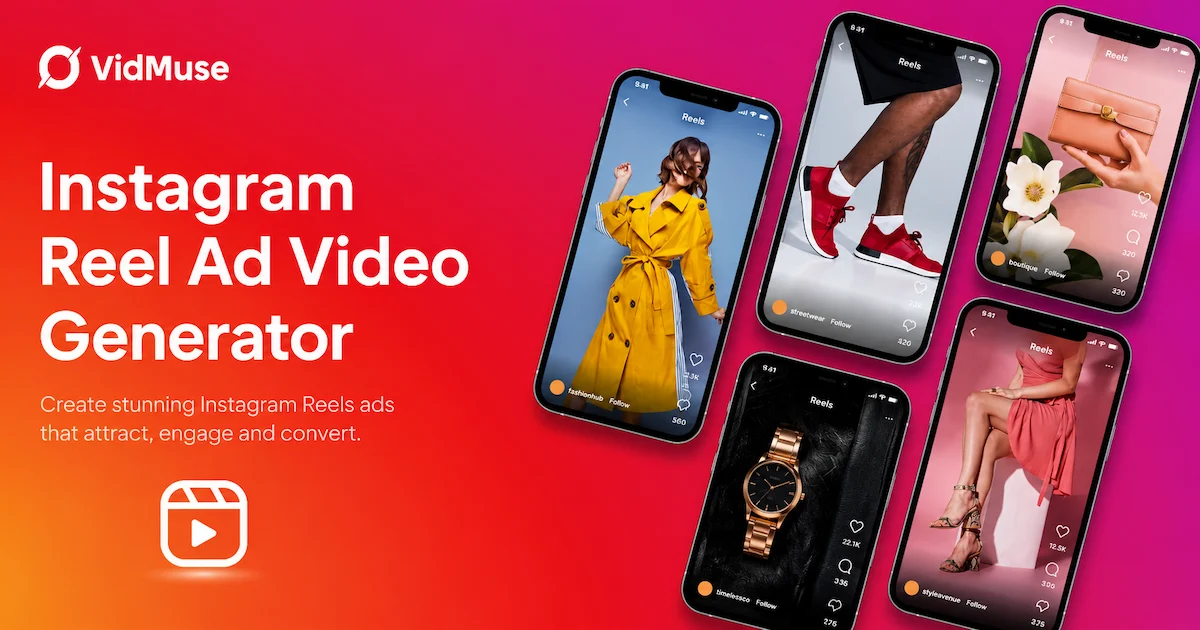
Instagram Reel Ads: How to Create AI Video Ads for Reels
Learn how to create Instagram Reel ads with AI. Full guide: specs, safe zones, AI video creation with VidMuse, Meta Ads Manager setup, and best practices.
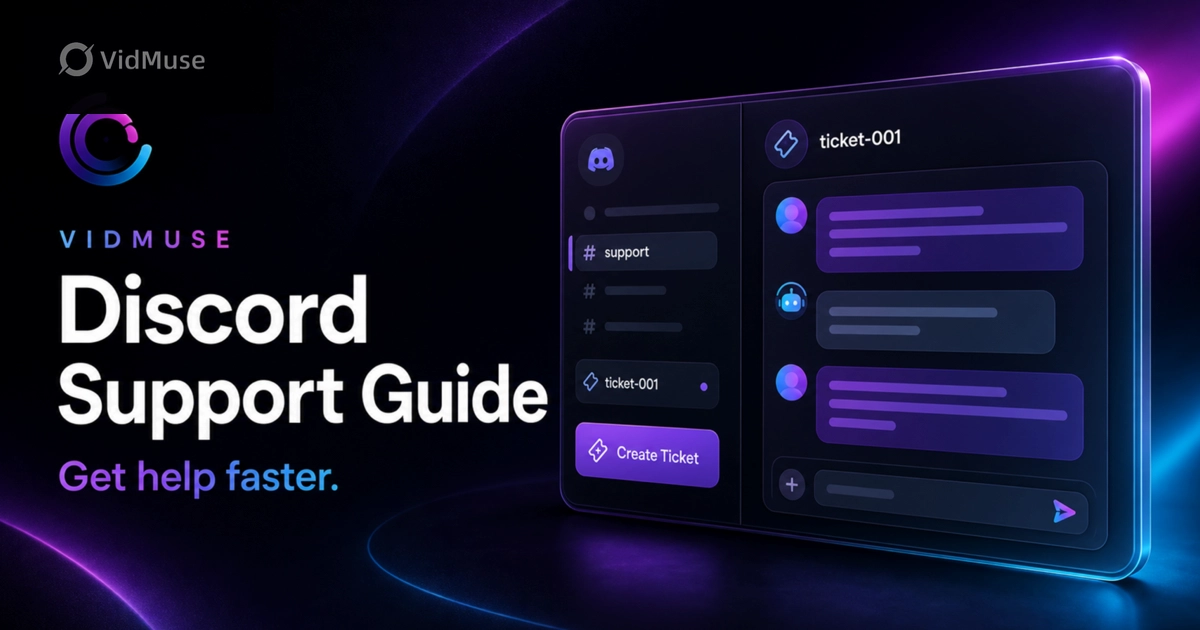
VidMuse Discord Support Guide: How to Get Help Faster
Learn how to join the official VidMuse Discord, create a private support ticket, and share the right details so our team can help you faster.
Ad Creative AI: Review and Best Alternatives (2026)
Ad Creative AI review and best alternatives for 2026. What it does, pricing, limits, and which tools to use for video ads, static creatives, and UGC content.