
Music AI: Best Tools & How They Work in 2026
Music AI tools can now generate complete, release-ready songs from a text prompt in seconds—and yes, AI-generated music is allowed on Spotify, provided it meets the platform's disclosure and ethical sourcing requirements. Whether you want to compose an original track, score a video, or produce a full music video without a studio budget, there is a music AI generator built for your exact use case. This guide covers the best tools available in 2026, how to choose between them, and how to take your AI audio all the way to a professional visual release.
Key Takeaways
- Music AI generators like Suno, Udio, and ElevenLabs Music can produce complete songs with vocals, instrumentation, and structure from a single text prompt—no music production experience required.
- Spotify allows AI-generated music as of 2026, but enforces strict rules: no unauthorized voice cloning, mandatory AI disclosure via DDEX metadata, and anti-spam filters that removed over 75 million tracks in 2025.
- The best free music AI generator for full song output is Suno's free tier, which offers approximately 50 daily credits; AIVA is the strongest free option for cinematic and classical composition.
- Udio leads on raw audio fidelity (48 kHz output) and has the cleanest licensing story after settling with major labels in late 2025; ElevenLabs Music leads specifically on vocal realism.
- Creating an AI track is only half the job—pairing it with a professional music video multiplies reach. VidMuse's agent-based workflow turns a Suno or Udio track into a full story-driven MV without requiring video production skills.
What Is Music AI?
Music AI refers to artificial intelligence systems trained to compose, generate, arrange, and produce audio—from simple background loops to fully produced songs with vocals, harmonics, and multi-instrument arrangements. Unlike earlier algorithmic composition tools, modern music AI generators use large generative models that understand genre, mood, tempo, lyrical themes, and even reference artists, producing outputs that are increasingly difficult to distinguish from human-produced tracks.
The category now spans several distinct use cases:
- Full song generation (Suno, Udio, ElevenLabs Music): Enter a text prompt; receive a complete song with vocals and instrumentation.
- Background and mood music (Beatoven.ai, Mubert, Soundraw): Generate royalty-free tracks matched to a specific emotional tone or video scene.
- Cinematic and orchestral composition (AIVA): Build film scores, game soundtracks, and classical pieces with MIDI export for DAW editing.
- Lyrics-first creation (Mureka, MusicGPT): Start from written lyrics and generate a matching vocal performance and arrangement.
- Text-to-music via assistant (Google Gemini Lyria 3): Generate custom soundtracks directly inside a conversational AI interface, including vocal tracks from text or photos.
Understanding which category fits your project is the first decision—getting this right saves hours of iteration.
Is AI Music Allowed on Spotify?
AI-generated music is allowed on Spotify in 2026, but the rules are meaningfully stricter than a year ago. On September 25, 2025, Spotify introduced a formal AI music policy built on three pillars:
- Voice protection: AI vocals that are clearly recognizable as a real artist's voice require documented consent from that artist. Unauthorized AI voice clones trigger immediate removal.
- Spam filtering: Spotify's algorithm now deprioritizes and removes accounts engaged in mass uploads, duplicate tracks, metadata manipulation, and artificially short content. The platform removed more than 75 million tracks in the twelve months before September 2025 under this initiative.
- DDEX disclosure: Tracks with AI involvement must now declare that involvement through the DDEX metadata standard at the point of distribution. Most major distributors—including DistroKid, CD Baby, TuneCore, and Amuse—have added AI disclosure fields to their upload workflows.
Crucially, the policy does not treat AI as inherently lower-value. Spotify pays recording royalties on AI tracks at the same rate as human-created music, based on normal stream economics rather than whether a track used AI tools.
What gets you removed: unauthorized voice clones, mass automated uploads, and tracks generated with training data that did not have rights-holder consent.
What is fully allowed: original AI compositions with proper disclosure, AI-assisted production (mastering, mixing tools), and fully AI-generated songs where you own or license the output and do not impersonate a real artist.
The practical rule: own your output, disclose your process, and create something original.
Best Music AI Generators in 2026
The leading music AI generators in 2026 are Suno, Udio, ElevenLabs Music, AIVA, and Beatoven.ai—each optimized for a different use case and audience.
Suno
Suno is the most widely used music AI generator for full song creation. Its current version (v5.5) produces 44.1 kHz audio with natural-sounding vocals across the widest genre range of any platform. The free tier provides roughly 50 daily credits (approximately 10 songs), and Pro plans start at $10 per month with commercial licensing included. Suno also added stem separation in early 2026, which allows you to isolate vocals or individual instruments after generation—a significant step toward professional-grade production flexibility.
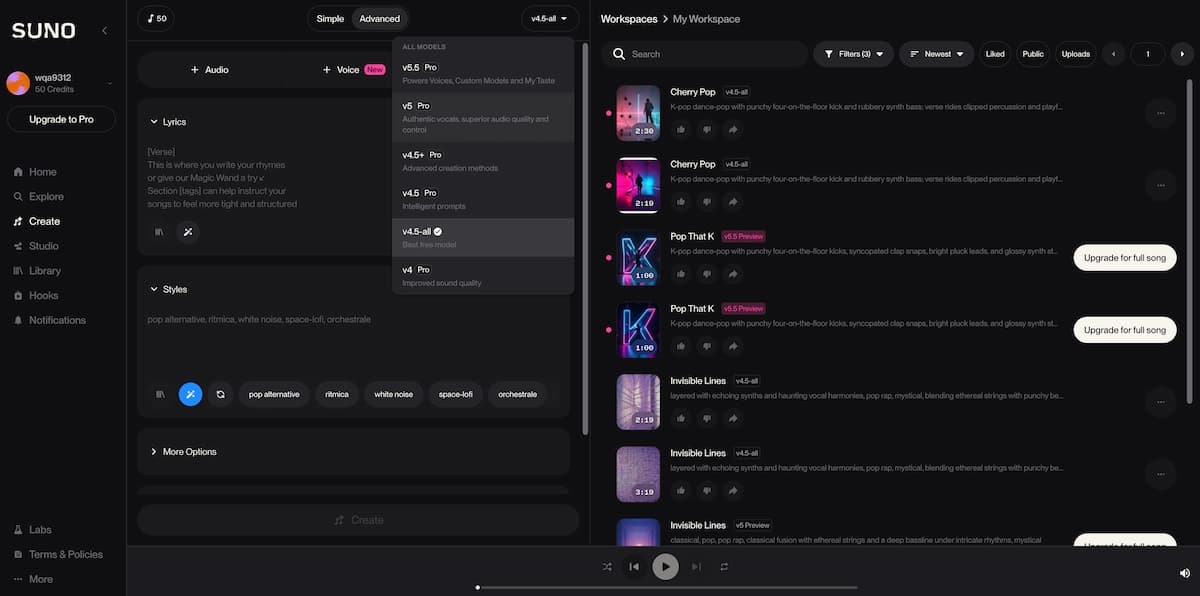
Best for: creators who want the fastest path from idea to finished song, beginners, and anyone producing tracks for social media or content.
Udio
Udio offers more fine-grained control over arrangement, instrumentation, and mixing than Suno, and outputs at 48 kHz—technically the highest sample rate of any major platform. Its audio fidelity is notably strong on complex arrangements, particularly electronic and orchestral genres. After settling licensing agreements with Universal Music Group and Warner Music Group in late 2025, Udio now has the clearest legal footing of any AI music generator. One important caveat as of early 2026: Udio has restricted sharing outside its own platform during its transition to a co-licensed release model.
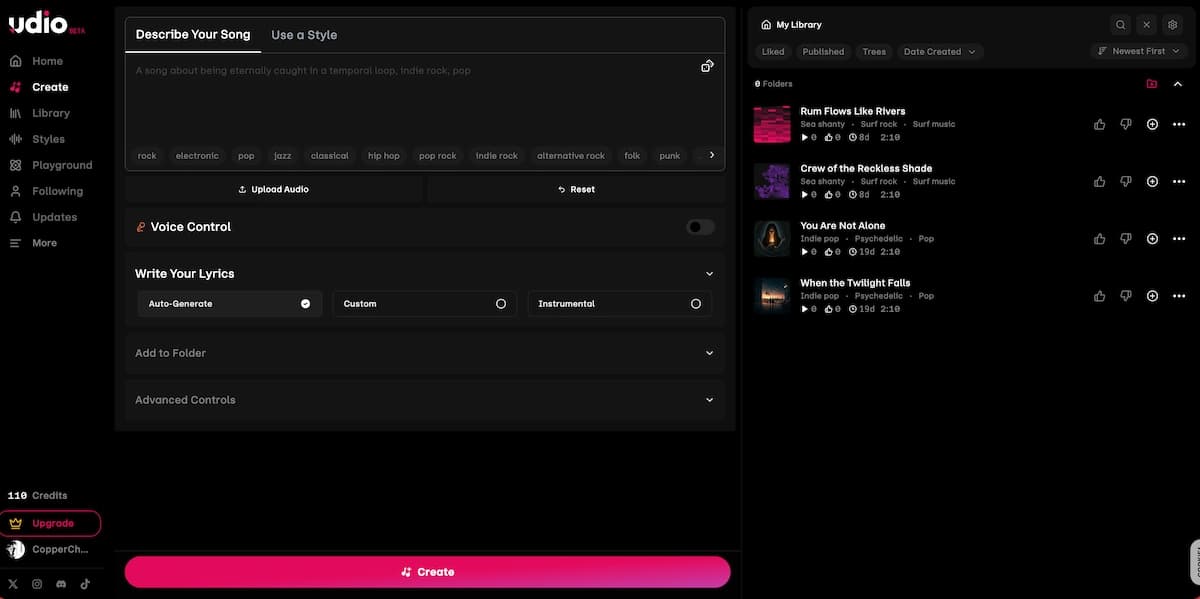
Best for: audio quality enthusiasts, producers who want arrangement-level editing controls, and creators prioritizing legal clarity around training data.
ElevenLabs Music
ElevenLabs launched its music generation product in August 2025 and immediately distinguished itself on vocal realism—the direct result of its years of voice synthesis expertise. You describe a style or mood, and it produces a track with particularly natural-sounding singing. The trade-off is fewer post-production tools: it lacks the stem separation and inpainting features of Suno Studio or Udio. It is also the only major music AI generator that sources its training data exclusively from licensed audio, making it the most defensible choice for commercial projects where training data provenance matters.
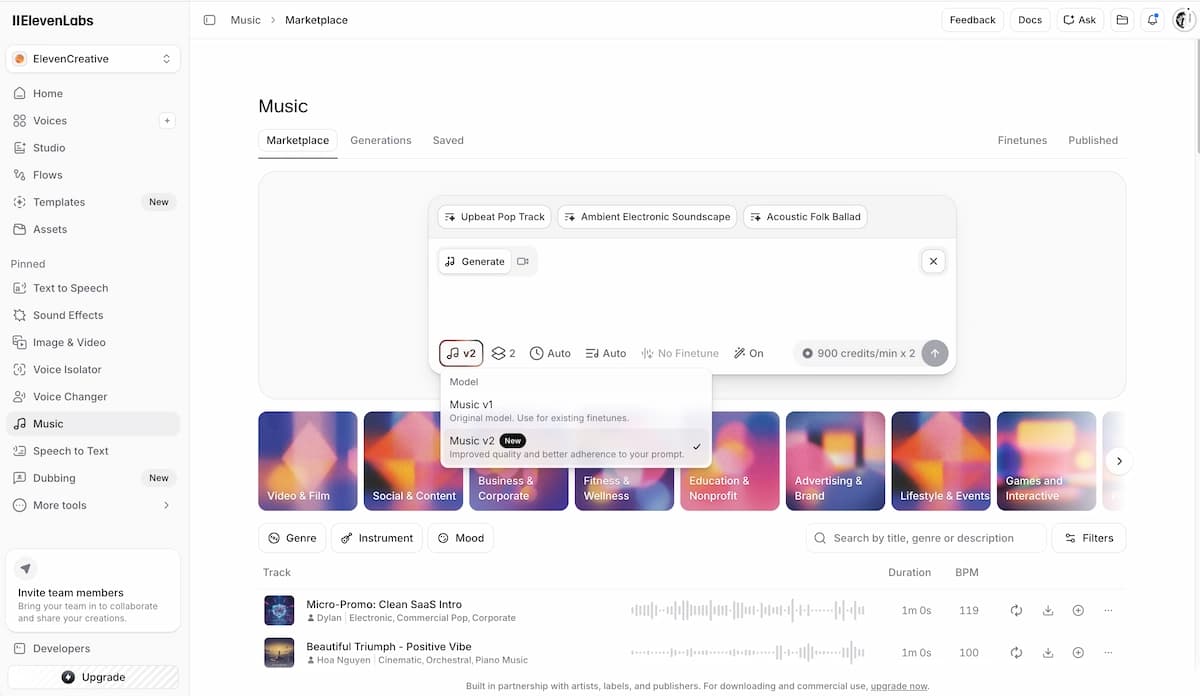
Best for: projects where vocal performance quality is the primary priority, commercial content requiring clean licensing.
AIVA
AIVA occupies a different niche: cinematic, orchestral, and classical composition. It is purpose-built for scoring short films, game soundtracks, and documentary backgrounds, and includes a MIDI editor for adjusting individual notes and dynamics. Plans run from approximately €15 to €49 per month. The free tier offers three compositions per day.
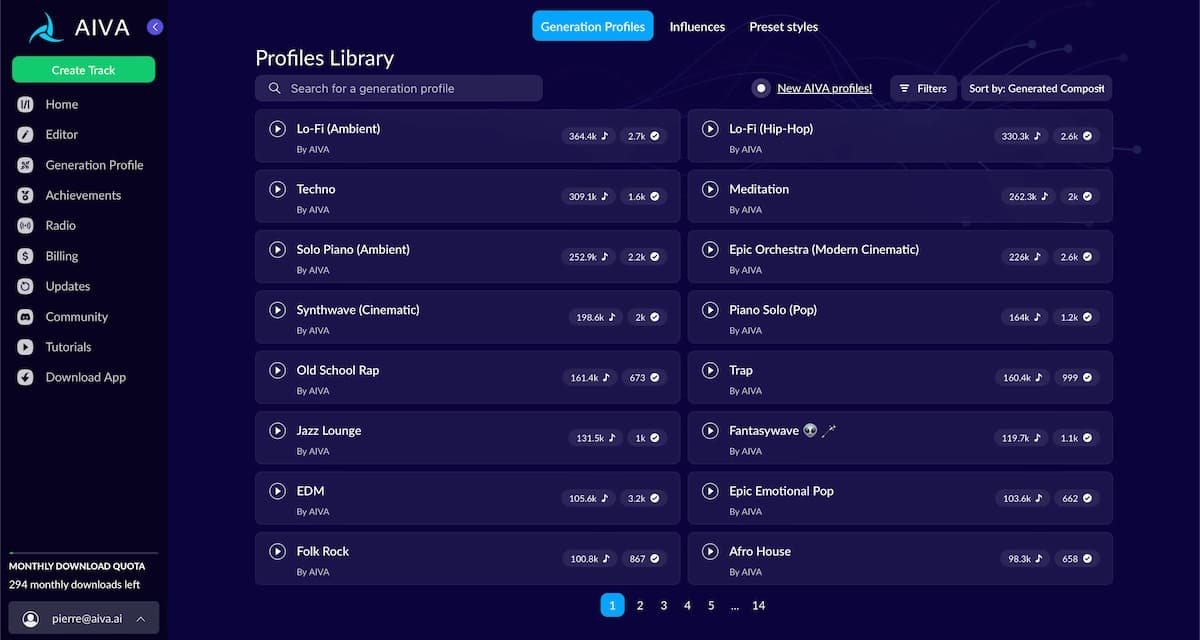
Best for: filmmakers, game developers, and anyone scoring long-form content that requires instrumental depth over vocal performance.
Beatoven.ai
Beatoven.ai generates mood-based tracks designed to sync with video and podcast content. It prioritizes emotional tone matching—you specify what the audience should feel at each moment, and the platform builds a corresponding track. Royalty-free licensing on paid tiers makes it straightforward for commercial content production.
Best for: video editors, podcasters, and content creators who need background music that responds to scene mood rather than a standalone listening experience.
Google Gemini (Lyria 3)
Google's Lyria 3 model, accessible through Gemini, transforms text or photos into audio tracks that include vocals and lyrics. It is integrated directly into the Gemini assistant interface, making it the most accessible music AI for users already in the Google ecosystem. It does not yet offer the editing depth of Suno or Udio, but for fast, conversational music creation, it removes friction entirely.
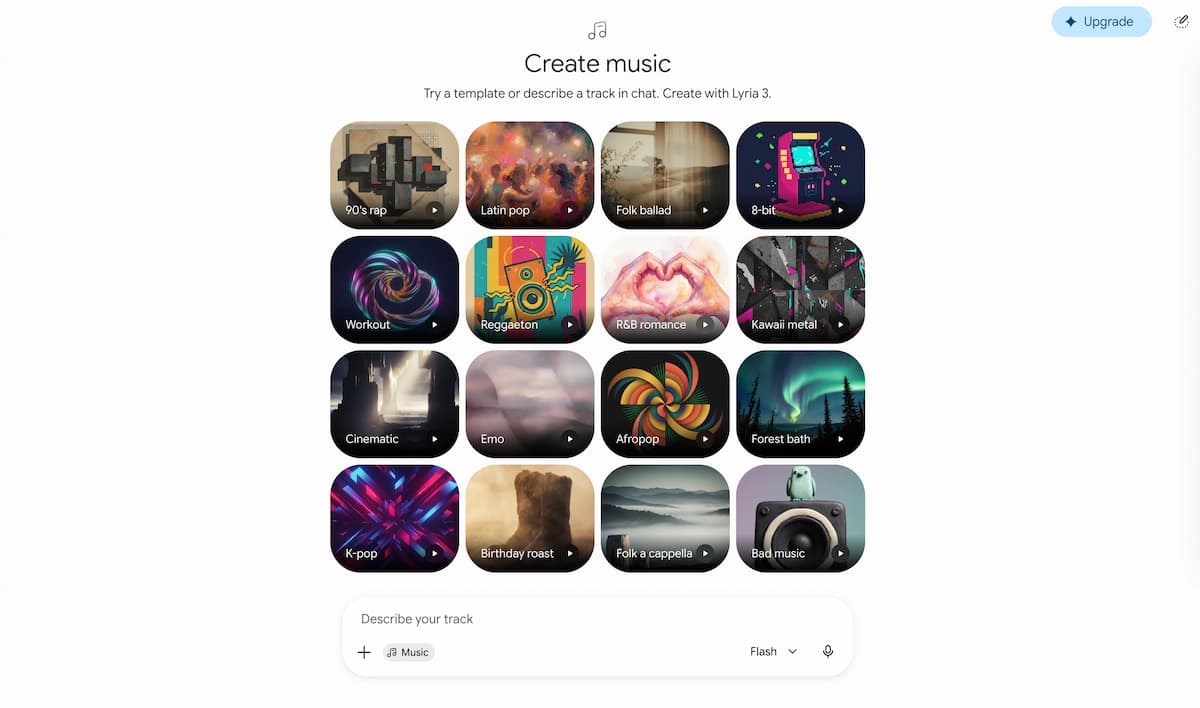
Best for: casual creators, quick concept generation, and users already working within Google Workspace.
Quick Comparison: Best Music AI Generator by Use Case
| Use Case | Best Tool | Free Tier? |
|---|---|---|
| Full song with vocals | Suno v5.5 | Yes (50 credits/day) |
| Audio fidelity & arrangement control | Udio | Yes (limited) |
| Vocal realism | ElevenLabs Music | Yes (limited) |
| Cinematic / orchestral | AIVA | Yes (3/day) |
| Mood-based video background | Beatoven.ai | Trial available |
| Quick generation via assistant | Google Gemini Lyria 3 | Yes (Gemini app) |
| Royalty-free backgrounds for streaming | Mubert / Soundraw | Trial available |
How to Use a Music AI Generator: Step-by-Step
Generating your first track with a music AI maker takes under five minutes; the quality of your prompt determines almost everything.
Choose your tool
Match the generator to your use case before writing the prompt.
Write a specific prompt
Include genre, BPM feel, instruments, emotional tone, and lyrical direction.
Generate multiple versions
Run several variations before deciding the direction is wrong.
Refine the track
Use editing, inpainting, stems, or section-level regeneration where available.
Export with rights checked
Download the highest quality file and verify commercial rights and disclosure needs.
Pair with visuals
Turn the finished audio into a music video, lyric video, or visualizer for distribution.
- Choose your tool based on the use case table above. If you are starting from zero, Suno's free tier is the lowest-friction entry point.
- Write a specific prompt. Include: genre, sub-genre, BPM range (fast/mid/slow), key instruments, emotional tone, and a lyrical theme or reference artist if relevant. "Upbeat indie pop song about leaving a city, acoustic guitar and light percussion, 110 BPM, warm and nostalgic" will outperform "upbeat pop song" every time.
- Generate multiple versions. Most platforms allow several variations per prompt. Run at least three before deciding the direction is wrong—generative output varies meaningfully between iterations.
- Refine. Use the platform's editing tools to adjust structure, regenerate weaker sections, or tweak instrumentation. Suno's Studio mode and Udio's inpainting allow section-level edits rather than whole-track regeneration.
- Export. Download your track in the highest available quality. If you intend to distribute on Spotify or other platforms, confirm you are on a paid tier that includes commercial rights, and note the AI disclosure requirement.
- Pair with visuals (optional but high-impact). A music track with no visual component loses significant reach on platforms like YouTube, TikTok, and Instagram Reels. This is where a music video generator becomes the logical next step.
Music AI for Lyrics: Text-to-Lyric and Lyrics-to-Music Tools
Lyrics-to-music AI tools let you start from written words and generate a song around them—a fundamentally different workflow from text-to-music generation.
If you already have lyrics, the process is: paste your lyrics into a lyrics-to-music AI, specify genre and vocal style, and let the model build an arrangement around your words. Suno and Udio both support custom lyrics input. Mureka is specifically optimized for this workflow and gives lyric writers more control over how syllables map to melody.
If you want AI to write the lyrics first, the most effective approach is to use a large language model (ChatGPT, Claude, Gemini) to draft lyrics with specific structural constraints—verse, pre-chorus, chorus, bridge—and then paste that output into your music AI generator of choice. The combination of a strong lyrics LLM with a dedicated music AI maker consistently produces better results than relying on the music platform's own lyric generation alone.
Common mistake: pasting unstructured prose into a music AI and expecting it to create coherent song structure. Always label your sections (Verse 1, Chorus, Bridge) before passing lyrics to the generator.
From AI Audio to AI Music Video: The Full Pipeline
Generating the audio is the first step—turning it into a shareable, professional music video is what actually drives streams, followers, and revenue.
Once you have a finished track from Suno, Udio, or any other music AI generator, you face the same challenge every indie musician has always faced: production quality for the visual component. A low-effort lyric video or static visualizer limits how far a track travels.
This is the gap VidMuse is designed to close.
Create Your AI Video in Minutes
Turn your idea into a video with VidMuse.
VidMuse is an AI music video generator that uses an agent-based workflow rather than one-shot prompt execution. Instead of asking you to describe every scene yourself, it plans the full music video structure from a creative brief—then generates the shots, builds a storyboard, and renders scene-by-scene video using its model matrix (which includes Seedance 2.0 Pro, Kling V3.0 Pro, Veo 3.1, and Hailuo 2.3 Pro, among others).
The workflow follows five stages:
- Creative Brief: Describe the track, its mood, intended audience, and visual direction.
- Reference Generation: VidMuse generates visual reference frames to confirm the aesthetic before committing to full production.
- Scene & Shots List: The agent plans a shot-by-shot breakdown aligned to the track structure.
- Storyboard: Each scene is visualized as a static frame before video generation begins.
- Video Generation: Scenes are rendered in sequence. VidMuse 2.0's Shot Refine by Quoting feature lets you flag specific frames and regenerate only those shots, rather than restarting the entire production.
The result is a 30-second to 2-minute music video that looks like it came from a production studio—at a fraction of the cost. For indie musicians who generate tracks on Suno and have no video production team, this pipeline replaces what would otherwise require a director, cinematographer, and editor.
VidMuse also includes Suno AI integration directly on the platform, meaning you can generate original music and build the visual layer without switching tools.
Common Mistakes to Avoid
Most music AI frustrations trace back to a small set of repeatable errors—here is what to watch for.
- Vague prompts: "Make a good song" produces generic output. Specificity—genre, BPM, instruments, emotional tone—is the single highest-leverage variable in the entire process.
- Using the free tier for commercial releases: Free tiers on most platforms do not include commercial rights. Verify your license before uploading to any monetized platform.
- Skipping AI disclosure on distribution: As of 2026, Spotify and an increasing number of distributors require DDEX AI metadata. Skipping this puts your releases at risk of removal.
- Accepting the first output: AI music generation is probabilistic. Generating only one version and treating it as final leaves most of the tool's quality potential untapped. Run at least three iterations.
- Treating audio as the finished product: A high-quality track with no visual component has a structural reach disadvantage on every major social platform. Even a simple music video or visualizer significantly extends distribution potential.
- Ignoring voice cloning rules: If you use AI tools to imitate the voice of a real artist—even stylistically—you risk removal and potential legal exposure. Keep AI vocals in original territory.
FAQ
Is AI music allowed on Spotify?
Yes. Spotify allows AI-generated music as of 2026, provided creators disclose AI involvement via DDEX metadata at the time of distribution, avoid unauthorized AI voice clones of real artists, and do not engage in mass automated uploading. Royalties are paid at standard stream rates regardless of whether a track was made with AI.
What is the best free music AI generator?
Suno's free tier is the strongest option for full song generation, offering approximately 50 daily credits and access to a wide range of genres and vocal styles. AIVA offers three free compositions per day and is the best free option specifically for cinematic or orchestral work. Neither free tier includes commercial rights; upgrade to a paid plan before distributing.
What is the best music AI generator overall?
Suno v5.5 is the highest-rated all-around music AI generator in 2026, based on genre breadth, vocal quality, and editing tools. Udio leads on raw audio fidelity and has the cleanest licensing story after label agreements in late 2025. ElevenLabs Music leads specifically on vocal realism. The "best" option depends on your use case—see the comparison table above.
Can I use a lyrics-to-music AI to turn my words into a song?
Yes. Suno, Udio, and Mureka all accept custom lyrics as input. Paste your lyrics with section labels (Verse 1, Chorus, Bridge), specify genre and vocal style, and the model will generate an arrangement around your words. For best results, structure your lyrics before inputting—unformatted prose produces less coherent output.
What is the Google music AI tool called?
Google's music AI is called Lyria 3, accessed through Gemini. It transforms text descriptions or photos into audio tracks with vocals and lyrics. It is integrated into the Gemini assistant and does not require a separate app or account beyond a Google account.
What is the AIVA music AI?
AIVA (Artificial Intelligence Virtual Artist) is a music AI specialized in cinematic, orchestral, and classical composition. It includes a MIDI editor for adjusting notes and dynamics after generation, making it suitable for professional scoring workflows. It is not designed for pop or vocal-driven song generation.
How do I turn an AI music track into a music video?
The fastest professional path is to use an AI music video generator like VidMuse. Input your track and a creative brief, and VidMuse's agent-based system plans a full shot list, generates a storyboard, and renders scene-by-scene video using models like Seedance 2.0 Pro, Kling V3.0 Pro, and Veo 3.1. The Shot Refine by Quoting feature in VidMuse 2.0 lets you regenerate individual scenes without restarting the full production.
What is Suno music AI?
Suno is the largest AI music platform, with over 2 million subscribers and full song generation from a text prompt. Version 5.5 (current as of mid-2026) produces 44.1 kHz audio with natural vocals and broad genre coverage. Suno's free tier gives approximately 50 daily credits; commercial rights require a paid plan starting at $10 per month.
Conclusion
Music AI has moved well past novelty. In 2026, you can generate a release-ready song in minutes, distribute it to Spotify with the right disclosure metadata, and pair it with a professional music video—all without a studio, a producer, or a film crew. The tools exist; the workflow exists; the platform policies have caught up.
The practical stack for an indie musician or content creator today looks like this: generate your track on Suno or Udio, write or refine lyrics with an LLM, export with commercial rights, disclose AI involvement at distribution, and bring the visual layer to life with VidMuse's end-to-end music video pipeline.
The gap between "I made a song with AI" and "I released a song that looks and sounds like a professional production" is narrower than it has ever been. The tools in this guide close it.
Ready to turn your AI track into a music video? Explore VidMuse's AI music video generator and see how the agent-based workflow handles everything from storyboard to final render—in minutes, not months.
Create Your AI Video in Minutes
Turn your idea into a video with VidMuse.

Written By
VidMuse Team
Continue Reading
Latest blog posts related to AI video creation.
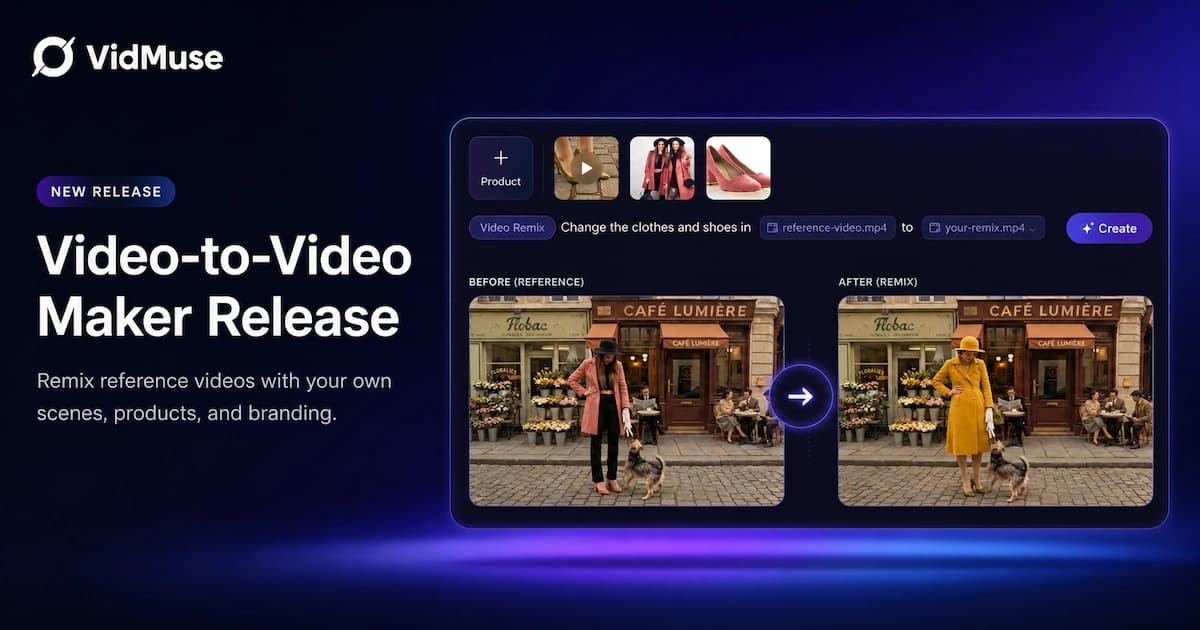
Video to Video Maker: VidMuse AI Is Now Live
VidMuse's video to video maker lets you remix, recreate, and transform any video into a polished ad or MV using AI—no editing skills required.
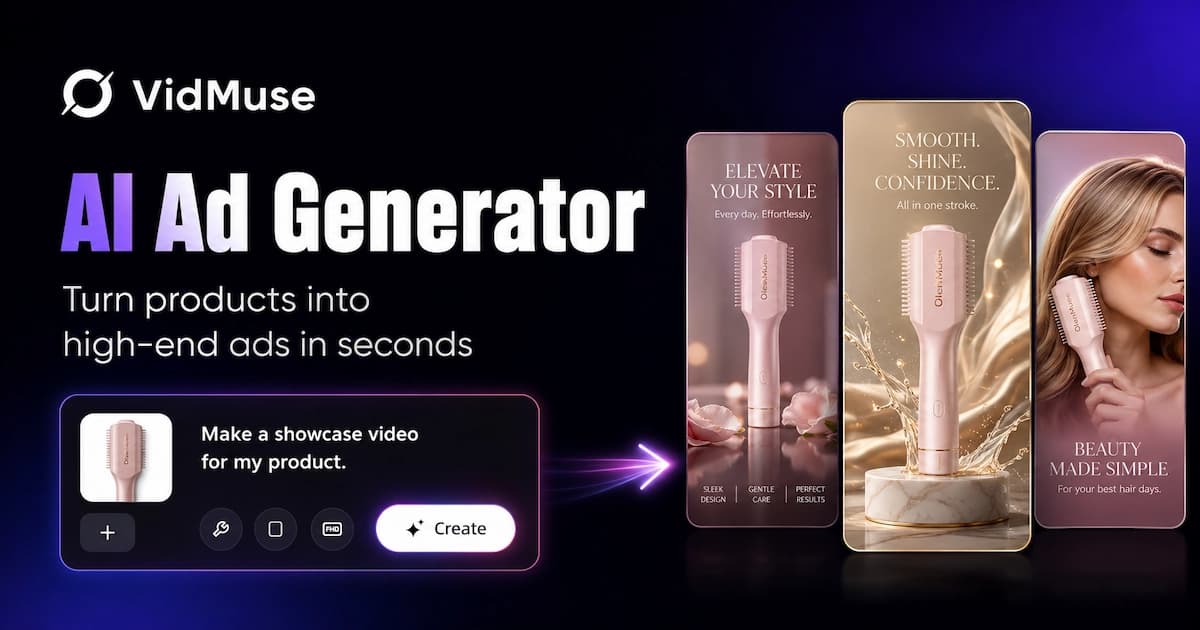
VidMuse Launches AI Ad Generator for Product Video Ads — From One Image to a Finished Video Ad
VidMuse's new Product Ad Video feature turns a single product image into a storyboarded, music-synced, remix-ready ad for TikTok, Reels, and Shorts.
Kling O1 x VidMuse AI: Music Video Production Guide
Learn how Kling O1 fits into VidMuse AI for music video production, from references and storyboards to shot refinement, editing, and prompt planning today.